
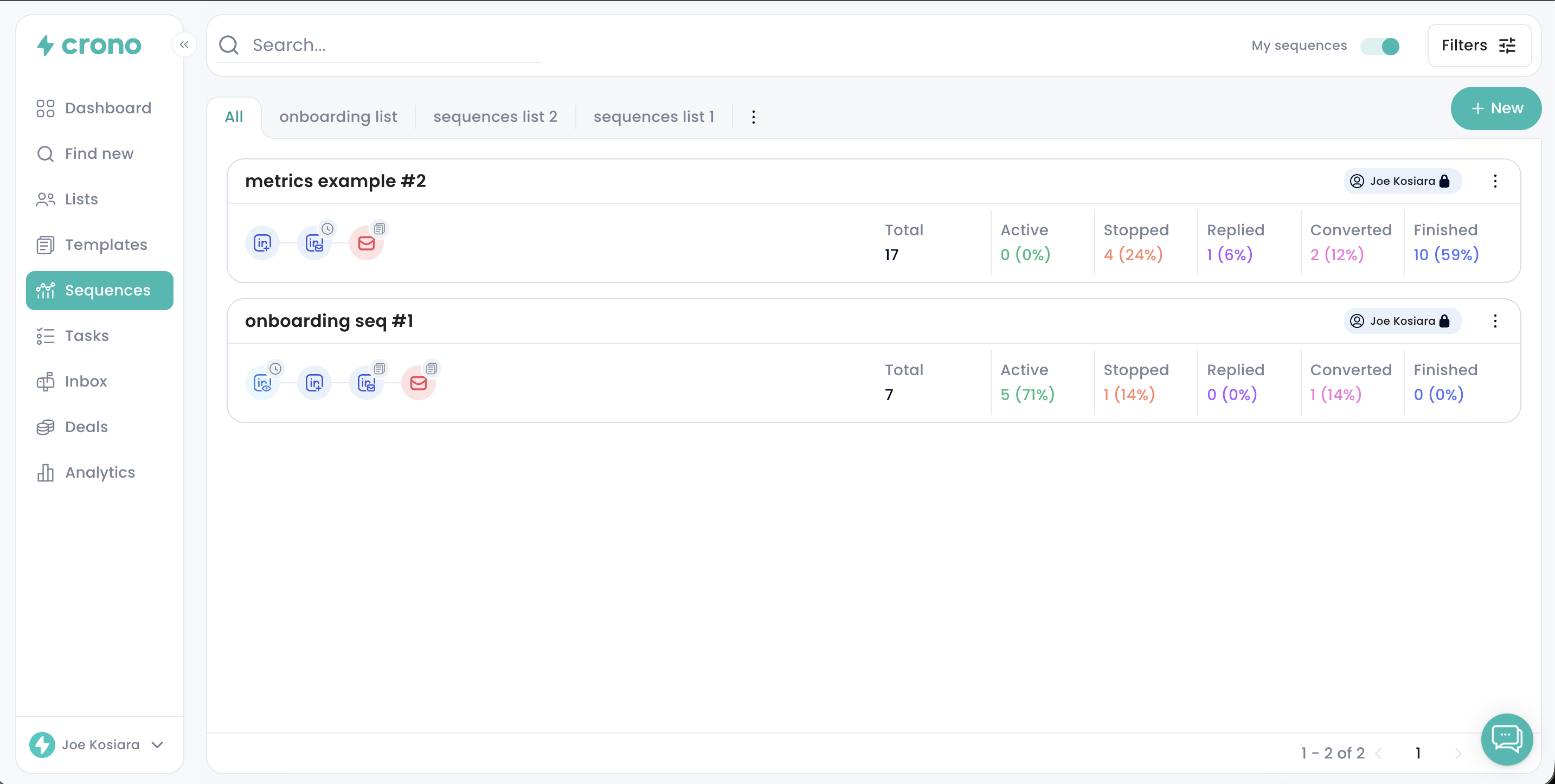
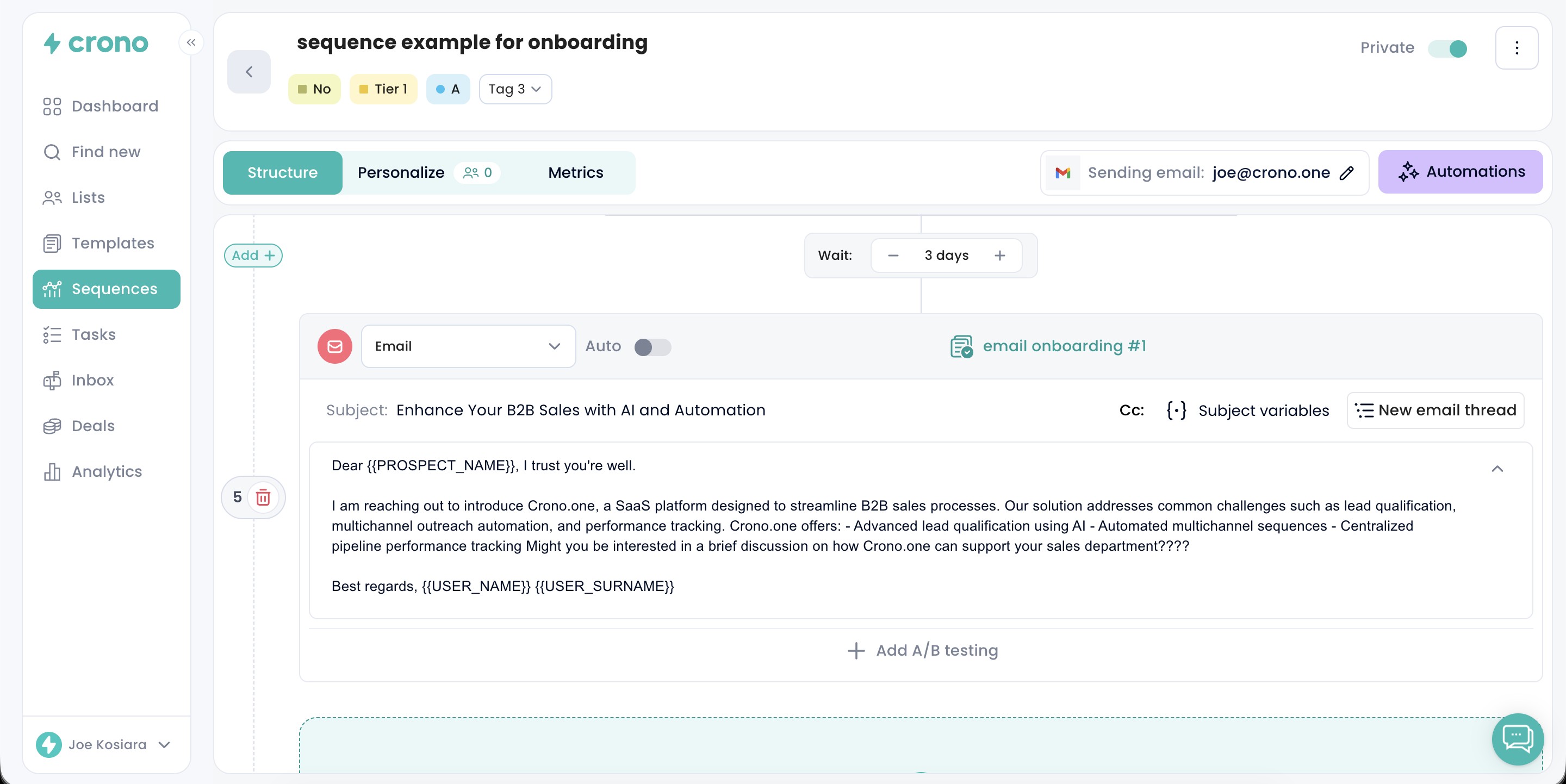
A sequence is a structured, multi-step workflow for engaging a prospect across several channels. It defines the order, the timing and the messaging of each touchpoint, so your outreach stays consistent and well-paced instead of depending on someone remembering to follow up.
A sequence can combine:
Emails
Phone calls
LinkedIn connection requests
LinkedIn messages, voice notes and InMails
LinkedIn profile views and post likes
To-dos, for anything that needs a human rather than a message
Each step can be set to run automatically or to wait for you, so you can automate the repetitive touches and keep the ones that need judgement in your own hands.
Crono also looks at your own performance data and suggests sequence structures that have worked well for you. You can change anything about a suggested sequence before or after you start using it.
To build one, see How to create a sequence.
Why use one
Consistency — every prospect gets the same well-planned follow-up, so opportunities are not lost to a missed touch.
Engagement — contacting people at planned intervals keeps you present without becoming noise.
Personalisation — sequences can be tailored per segment, and individual steps can be adapted per contact.
Efficiency — with the plan already decided, your time goes on the conversations that are actually moving.
What happens when a prospect responds
Crono detects replies and can stop the sequence for that contact, so you carry the conversation on yourself rather than continuing to send them scheduled steps.
How that happens depends on the situation:
When you log an activity yourself — a connected call, for instance — Crono asks you whether to stop the sequence, so the decision stays yours.
Stopping on a detected reply, a booked meeting, a deal or a status change is governed by Automations under Settings — some are workspace defaults, others are rules you create. Check there if a sequence stops when you did not expect it to, or keeps running when you did.
A reply is only one of about twenty reasons Crono records for stopping a sequence. The full list is in Why did my sequence stop?.