
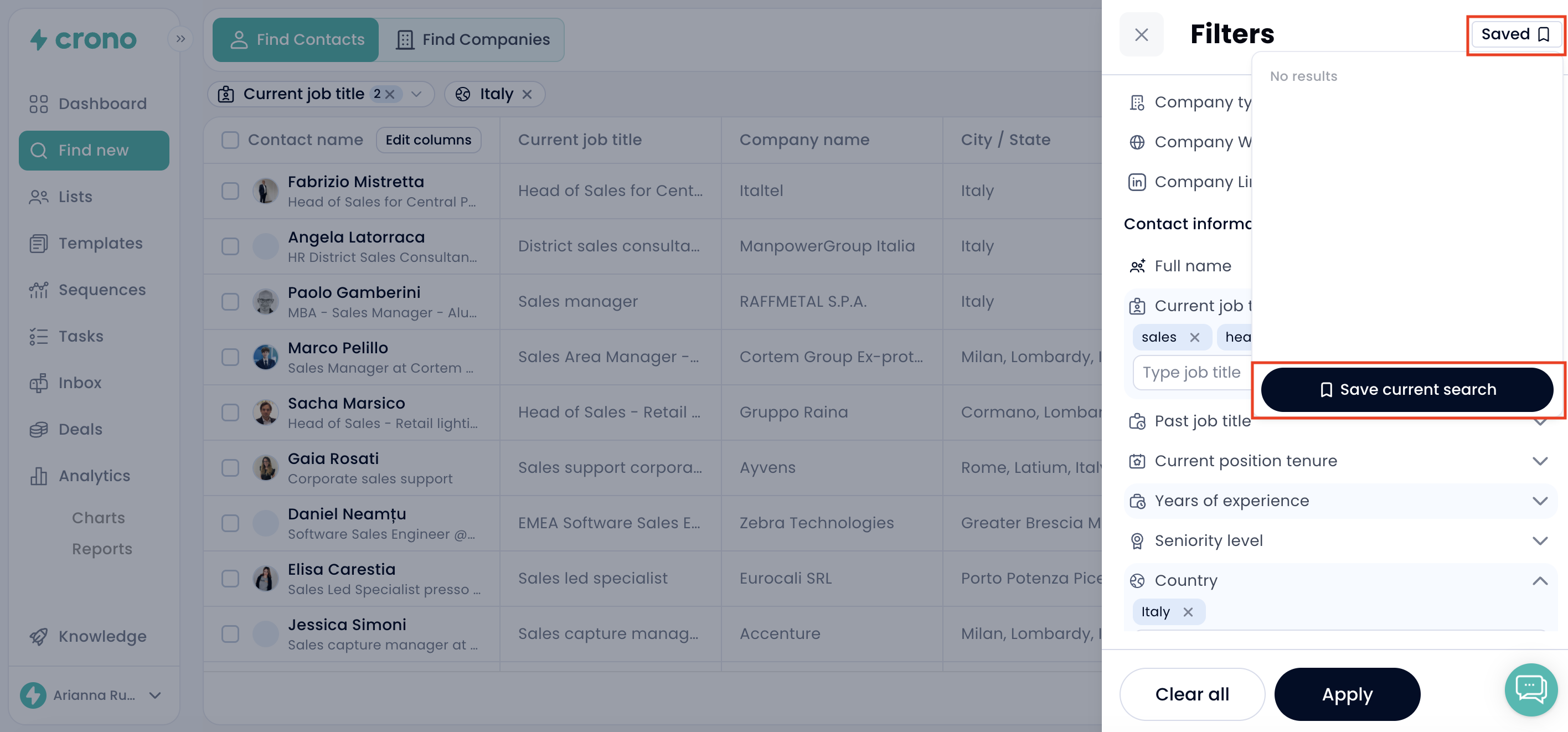
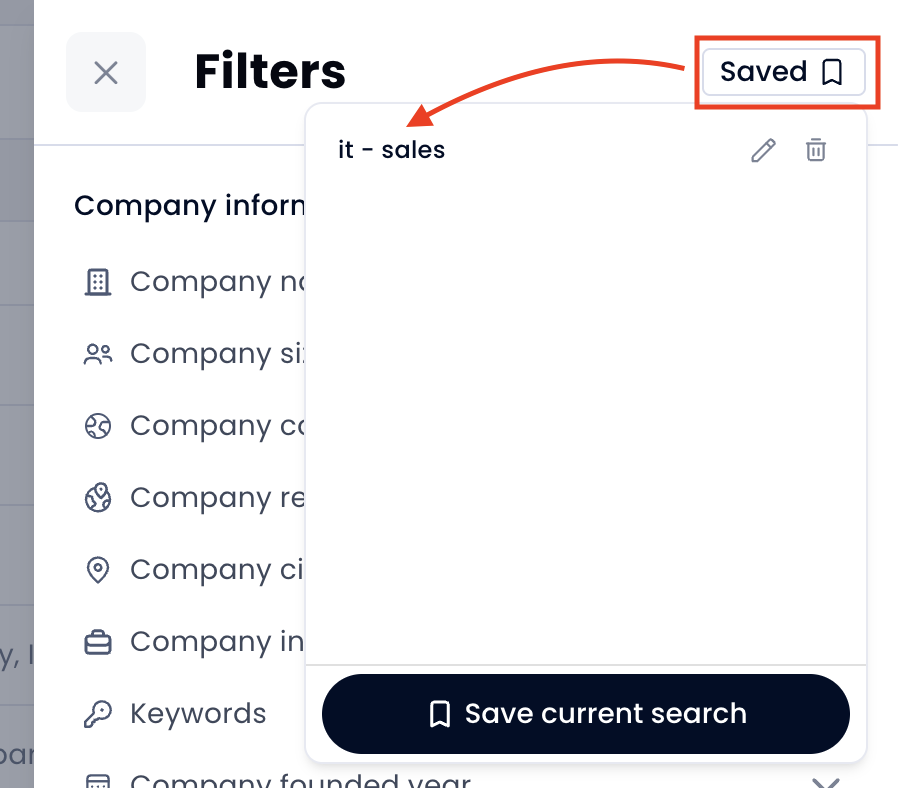
You can now save your favorite contacts/companies searches directly inside the Find New section.
When you’ve built a search with the right filters such as company, industry, location, or connection level - simply save it 💾.
Next time you return, you’ll find your saved search ready to go. Click it once and all your filters will automatically reapply.
Why this matters
No need to rebuild searches from scratch
Quickly jump back into your most-used filters
Stay organized and save time when prospecting
This feature is now available to everyone inside Find New.