
To-do tasks allow you to create internal reminders that keep you accountable for the non-automated actions in your outbound process. They ensure you never miss a manual step or a follow up that requires your attention.
How to add a To-do inside a sequence
Open the sequence and click Add Step
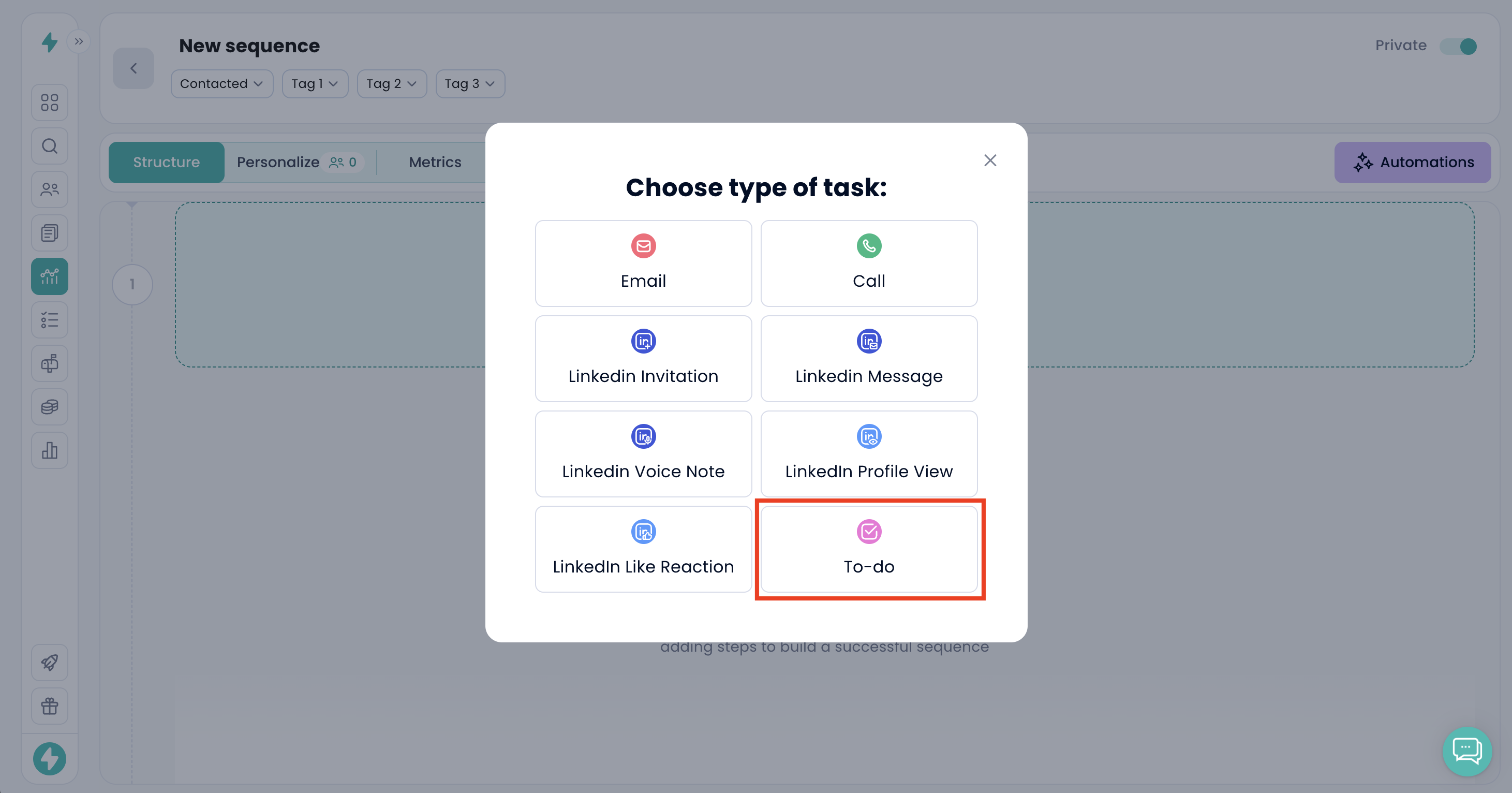
Select the step type named To-do
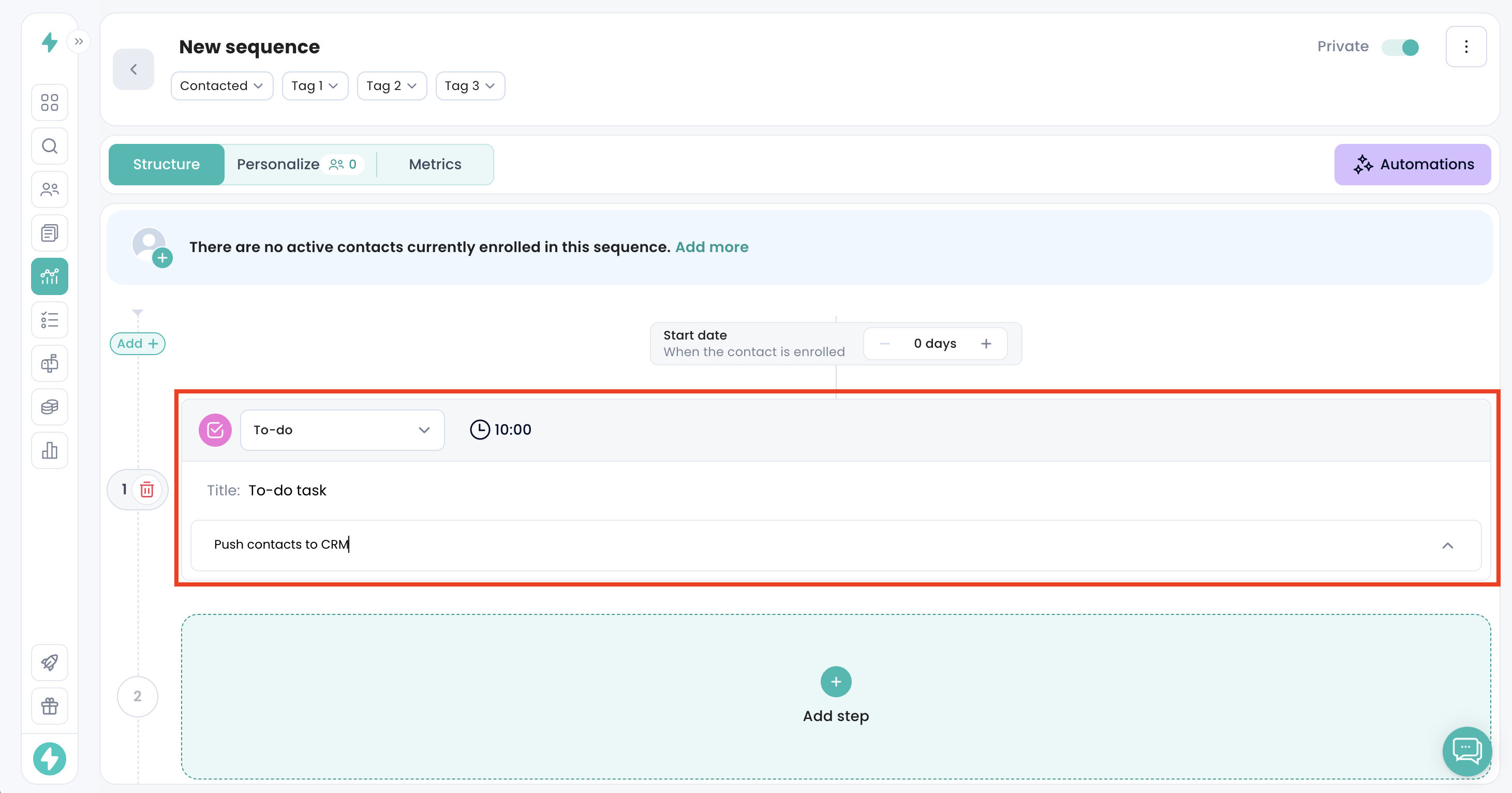
Write the reminder text
Key behaviors
To-do tasks do not send any communication to contacts
They appear in your Tasks section with due dates and contact context
No step will proceed until the To-do is completed if it is placed inside a sequence
They help you maintain control over qualitative outreach moments that require manual input
Examples of usage
Review prospect engagement before triggering the next step
Prepare personalized materials before scheduling a call
Add internal notes when additional research is needed
Remind yourself to check CRM updates before pushing leads forward
When to use To-do tasks
Use them whenever a human touchpoint or validation is needed. To-do tasks prevent blind automation and force you to intervene at the right moments, improving the quality of your outbound execution.