
Signals are indicators Crono generates automatically to help you spot the best sales opportunities. They tell you when something notable happens with one of your contacts or companies, so you can focus on the leads most likely to convert.
Available on Ultra and Enterprise. If you are on another plan and need this, get in touch — it can be enabled on request.
Where to find them
Go to your Dashboard.
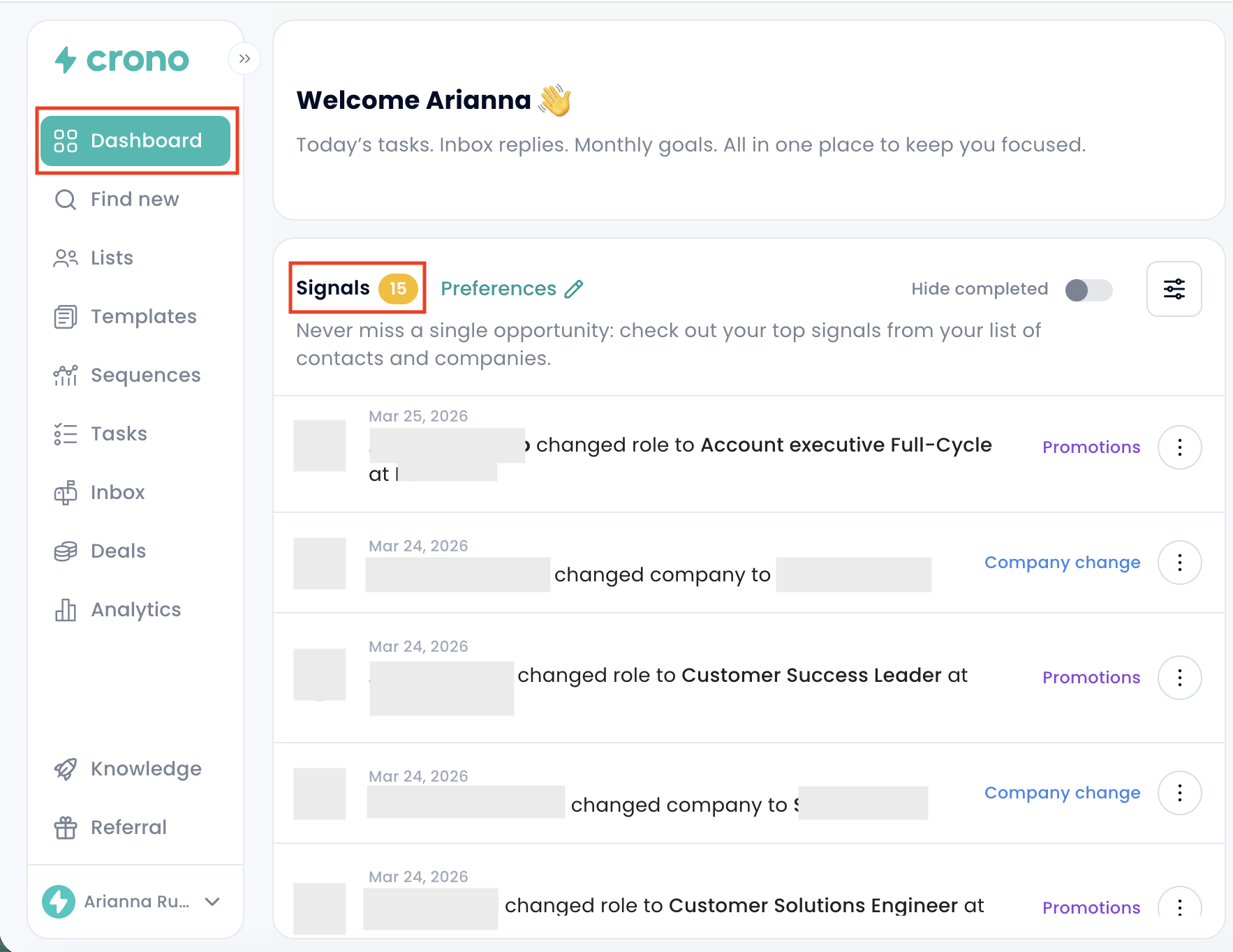
Open the Signals panel, which lists recent events across your contacts and companies.
The types of signal
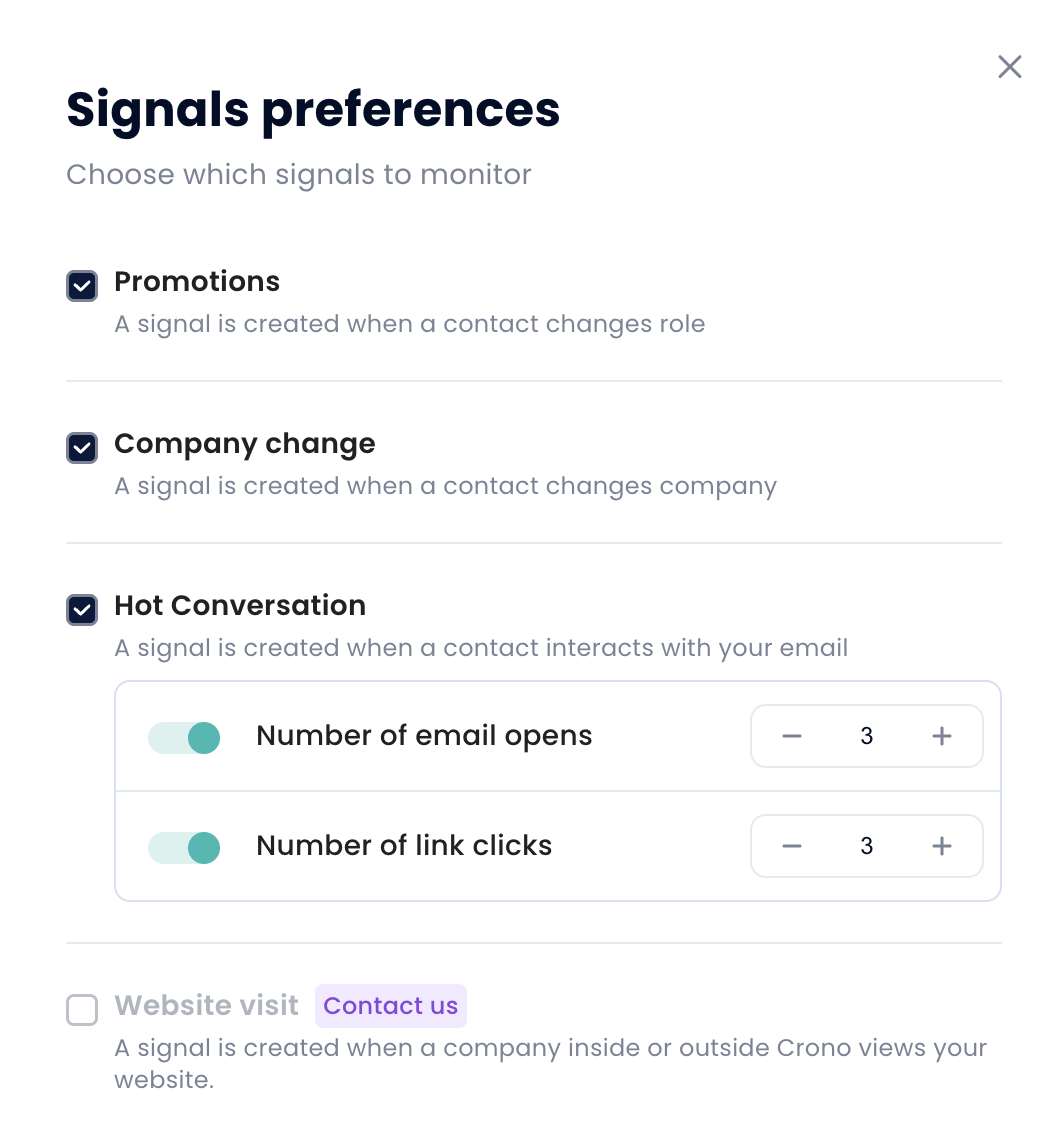
Promotion — a contact changes role within their current company.
Company change — a contact moves to a different company.
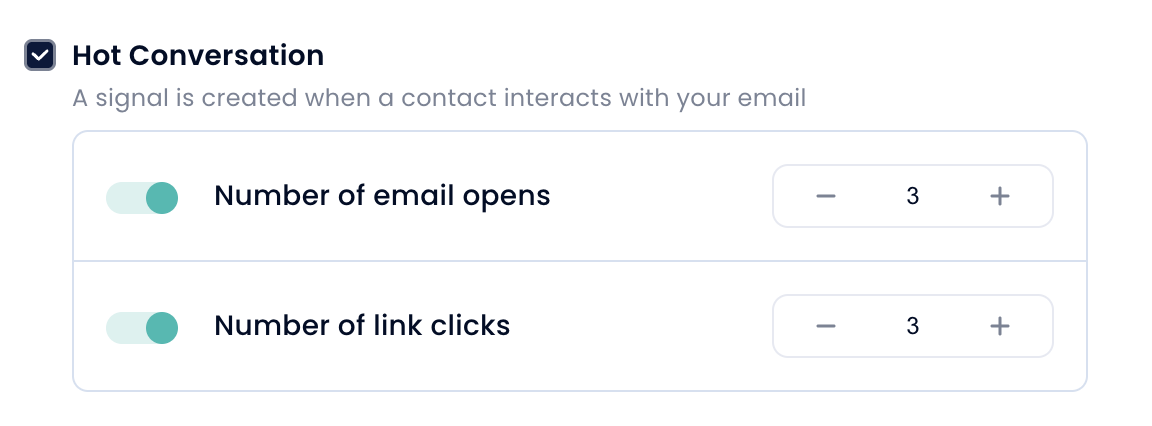
Hot conversation — a contact is engaging with your emails. You set how many opens and link clicks are needed to count as "hot".
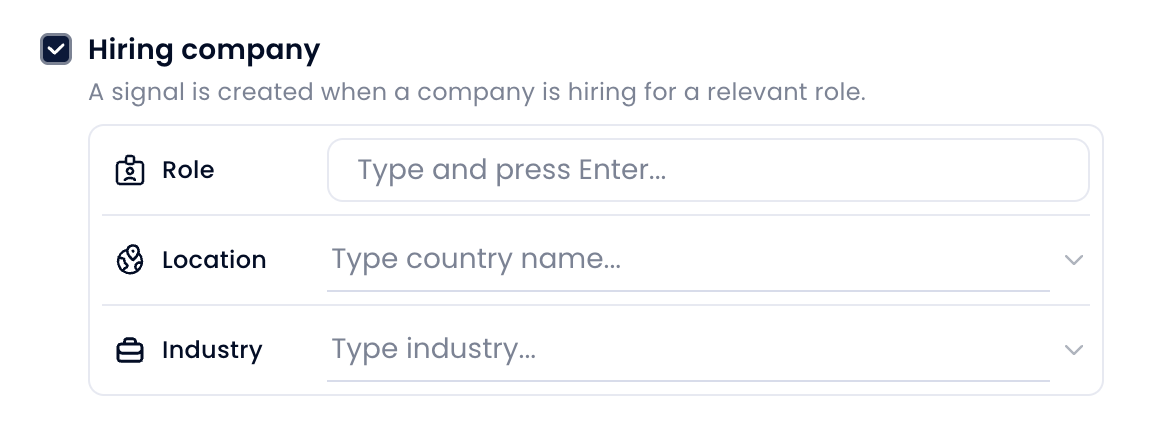
Hiring company — a company is hiring for a role you care about. You define the role, location and industry.
Website visit — a company visits your website, whether or not they are already in Crono.
Choosing which signals you see
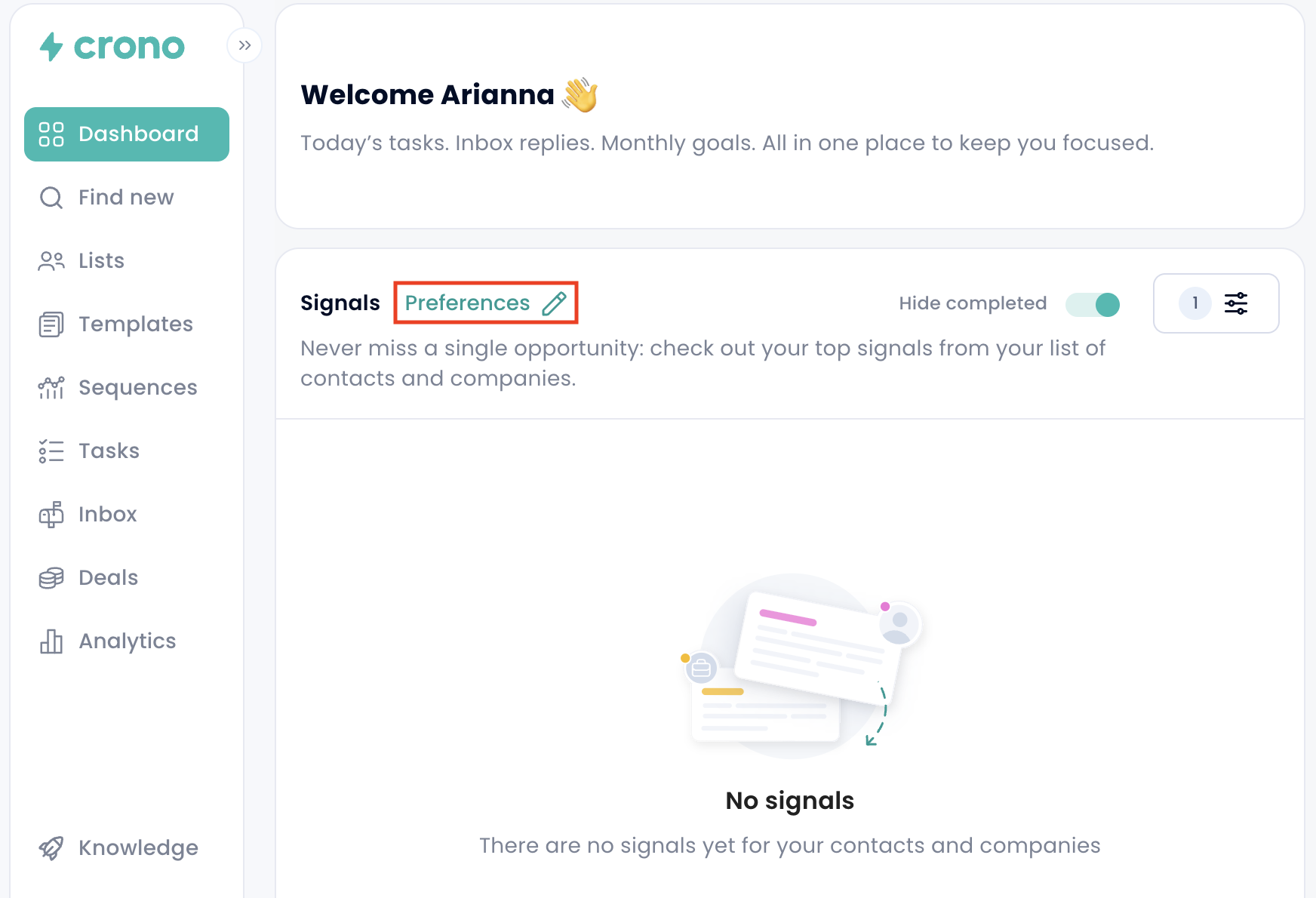
Click Preferences in the Signals panel.
Show or hide each signal type.
Save. Crono will only surface the ones you kept.
Website visits
Crono can also track visits to your own website. Once it is set up you see:
Which company visited
Which pages they looked at
How long they stayed
When the visit happened
Website visit tracking needs a one-off setup on your side — get in touch and we will walk you through it. It is not enabled by default, even on Ultra.
Acting on a signal
Click a signal to open the contact or company behind it.
Use it to decide who to contact next, and what to open with.
You can also make signals do the work for you. In Automations, a role change, company change, website visit or hiring signal can automatically update a status or field, create a follow-up task, or stop a sequence.