
Modify a template
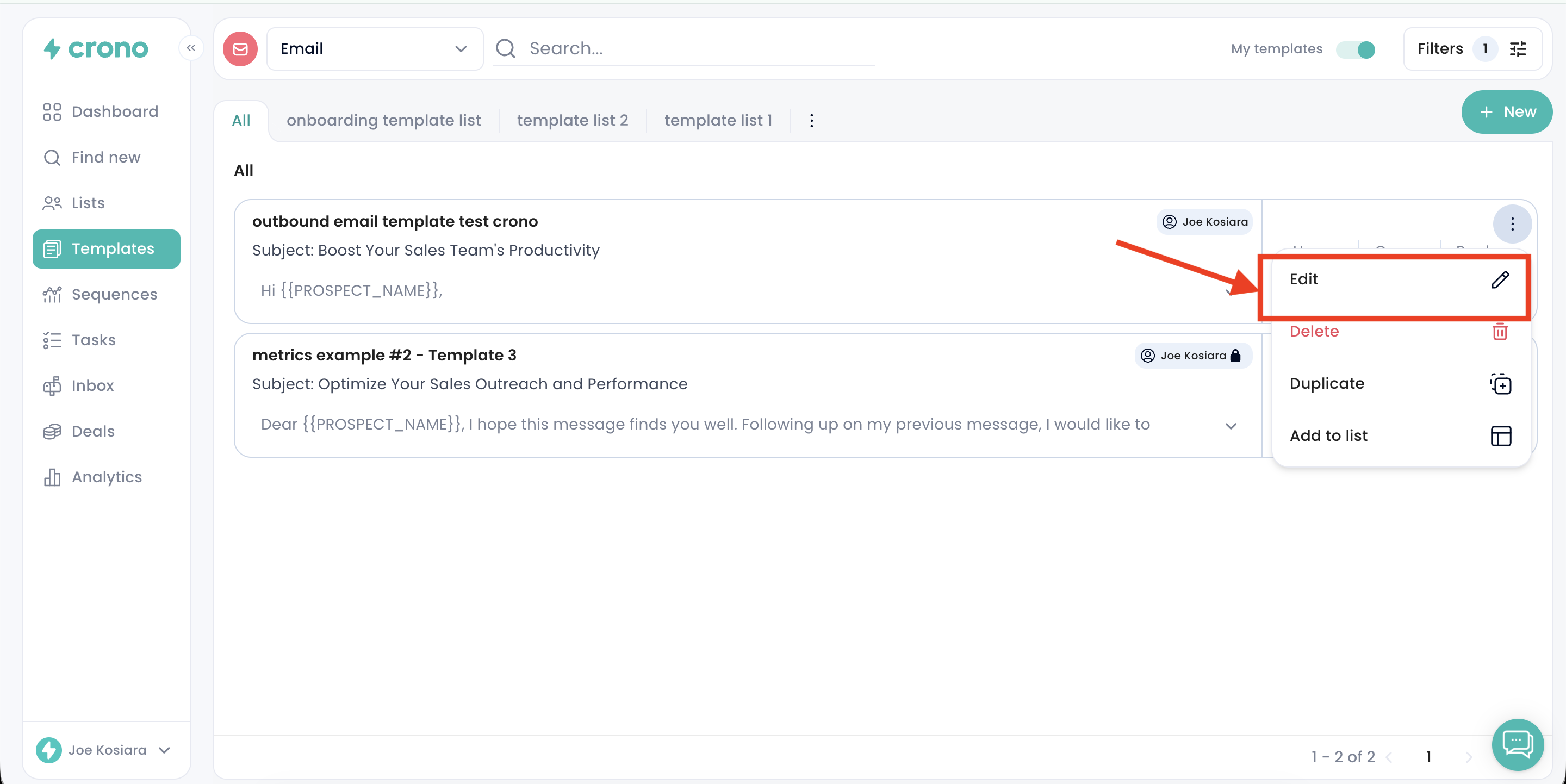
Open Crono and go to the Templates page, where all your templates are stored.
Click the three-dot menu to the right of the template you want to change, then select Edit.
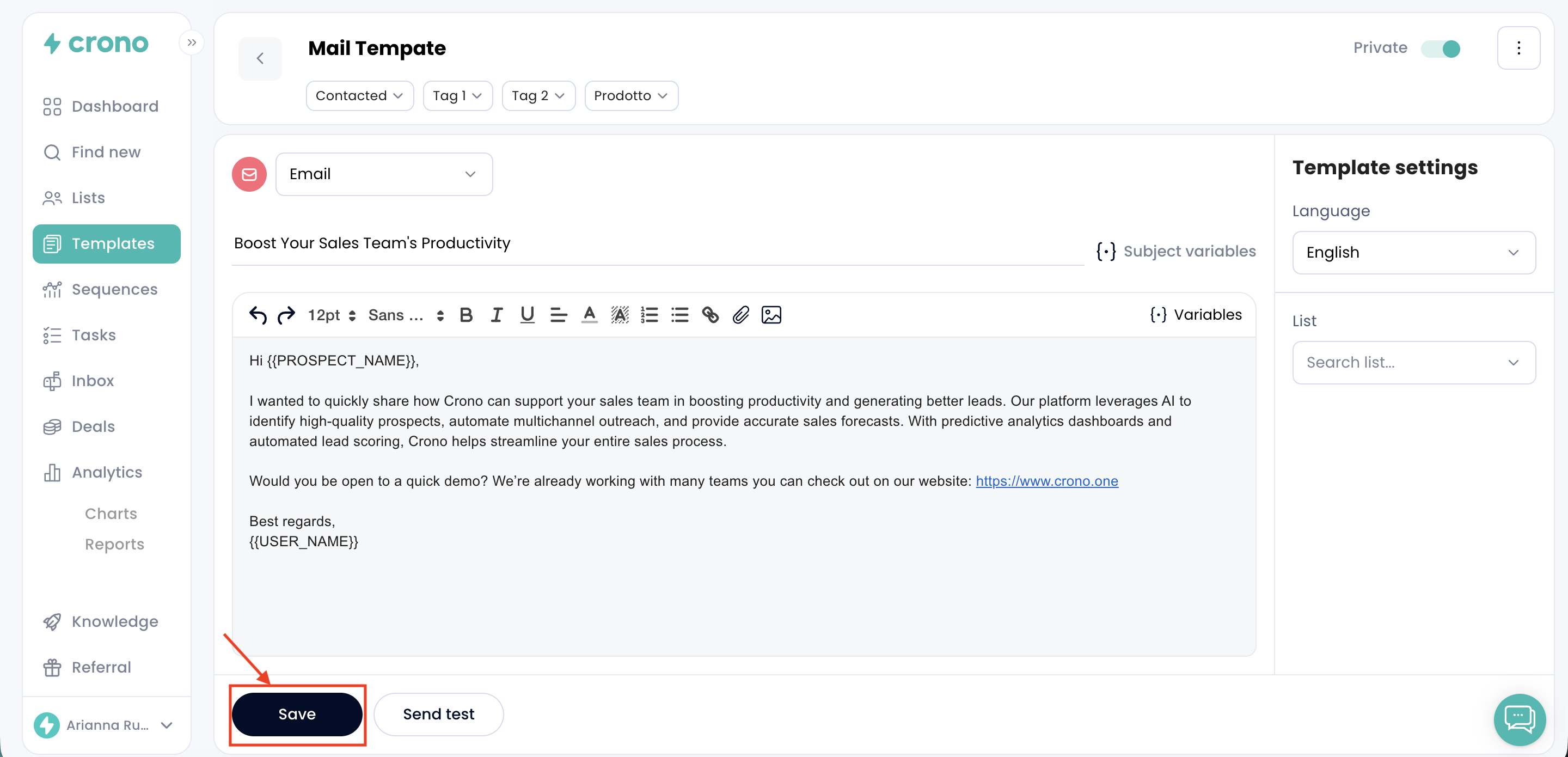
Make your changes and save.
Changes apply wherever the template is used, including in sequences that already reference it.
Delete a template
Open Crono and go to the Templates page.
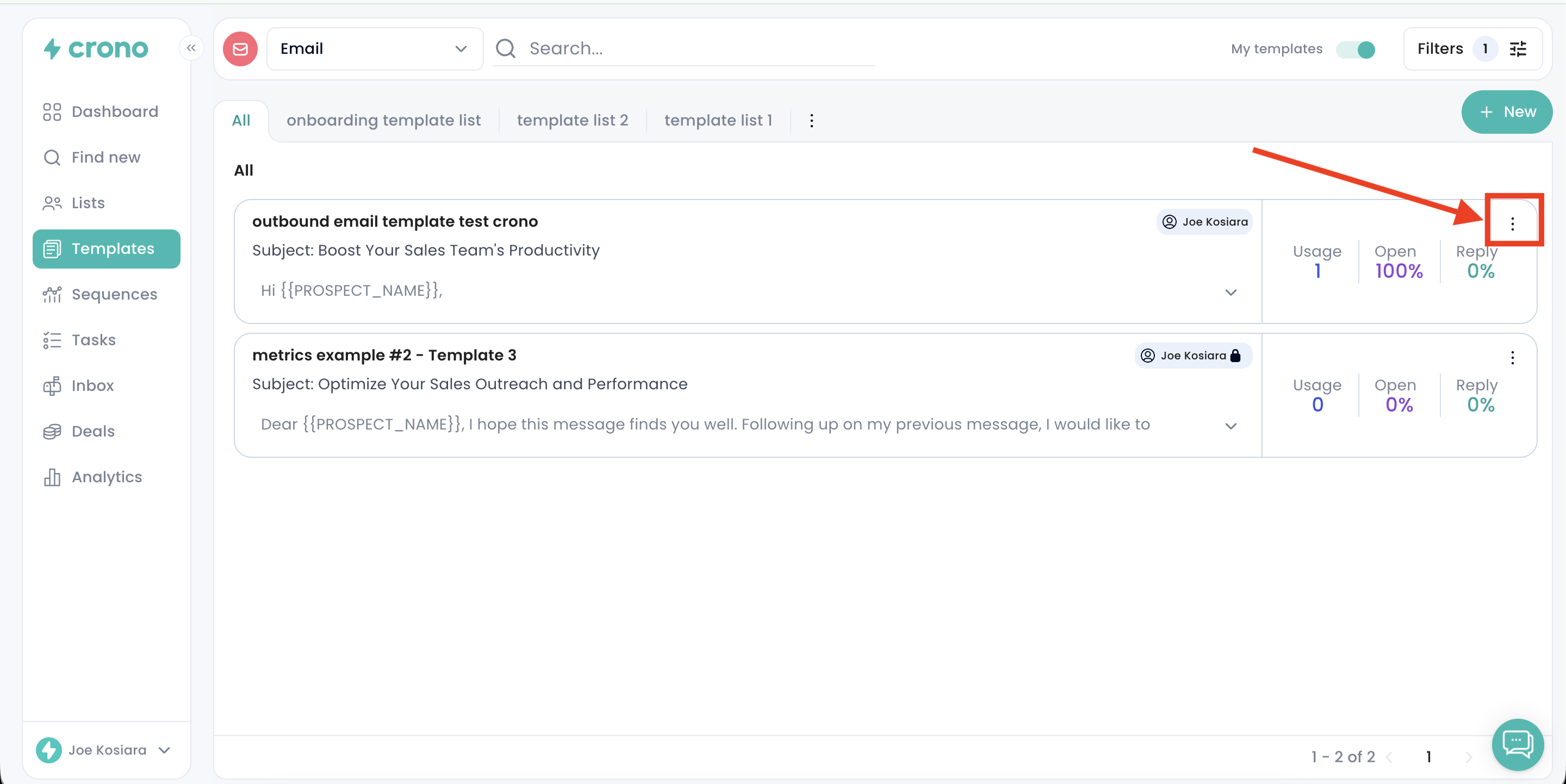
Click the three-dot menu to the right of the template you want to remove, then select Delete.
Confirm the deletion.
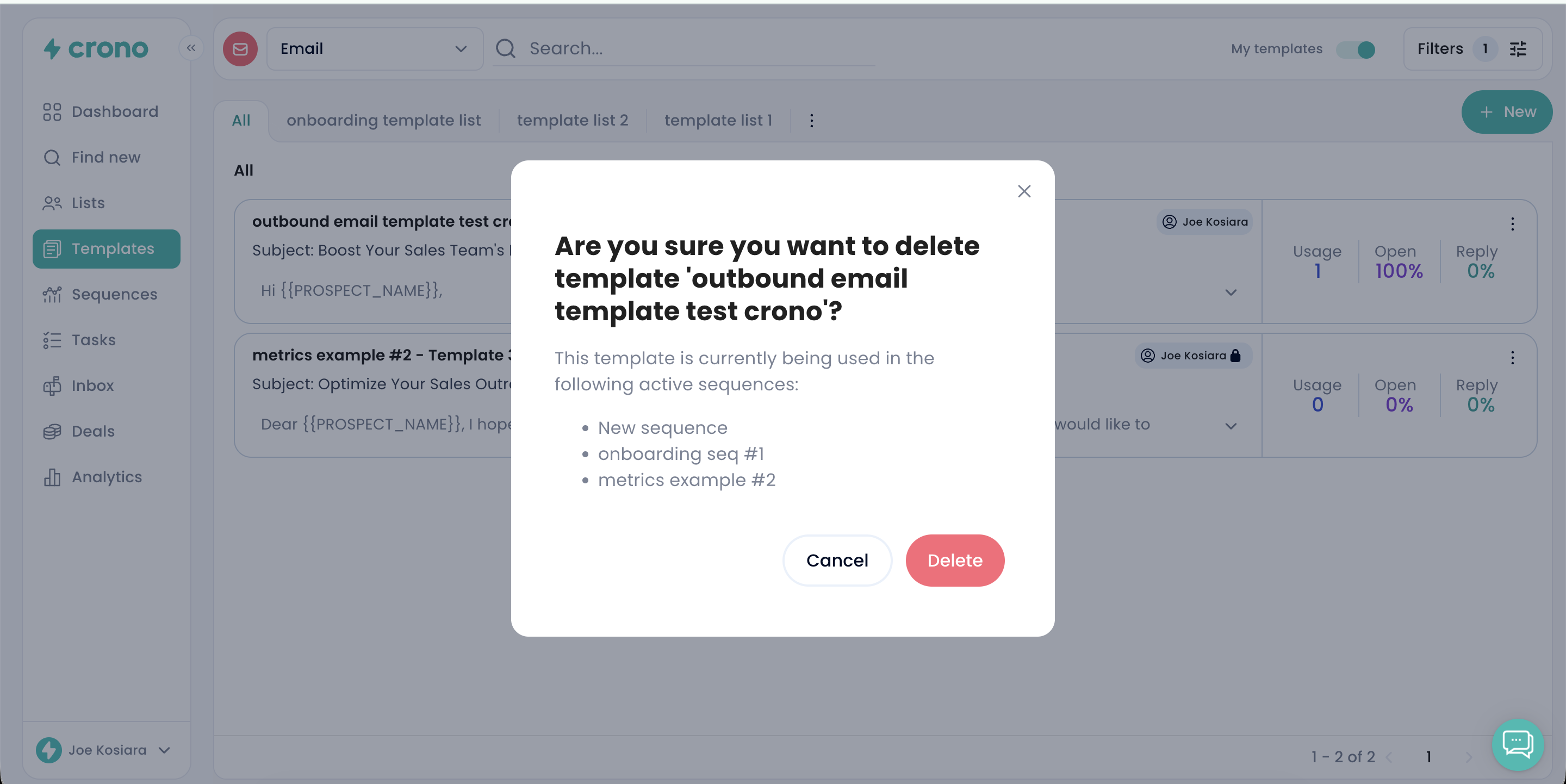
Deleting a template is permanent and cannot be undone.
Consider archiving instead
If you only want a template out of your active list, archive it rather than deleting it. An archived template stays editable, keeps working in any sequence already using it, and can be restored at any time. Deleting removes it for good.