
Archiving a sequence removes it from active use. Any contacts currently enrolled in that sequence are immediately stopped. No further steps will be executed.
How archiving impacts sequences
The sequence is removed from the active list
All active enrollments stop instantly
It remains editable in the Archived section
It can be restored and used again at any time
How to archive a sequence
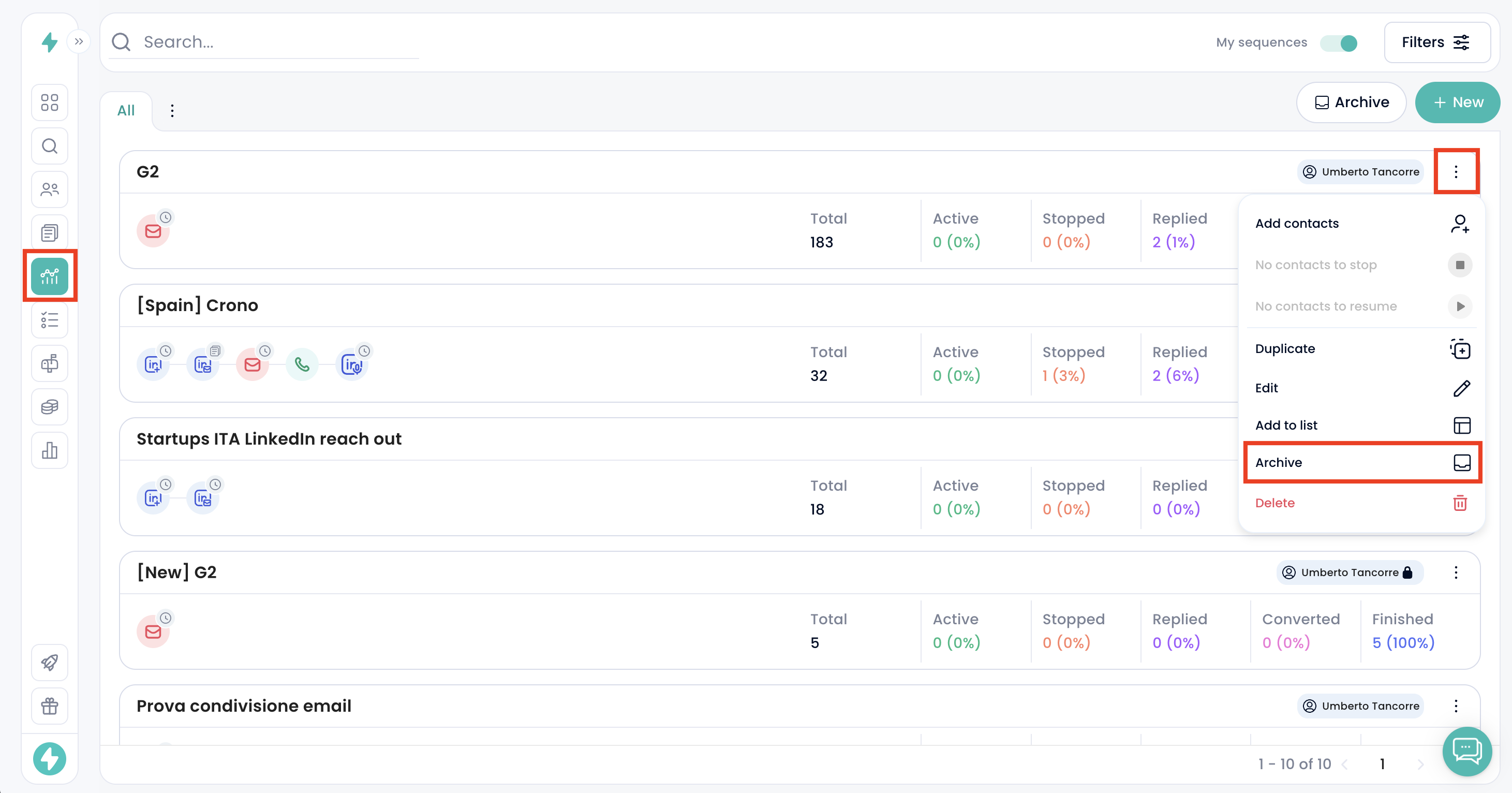
Go to Sequences
Click the 3 dots on the specific sequence
Select Archive
The sequence will move to the Archived section
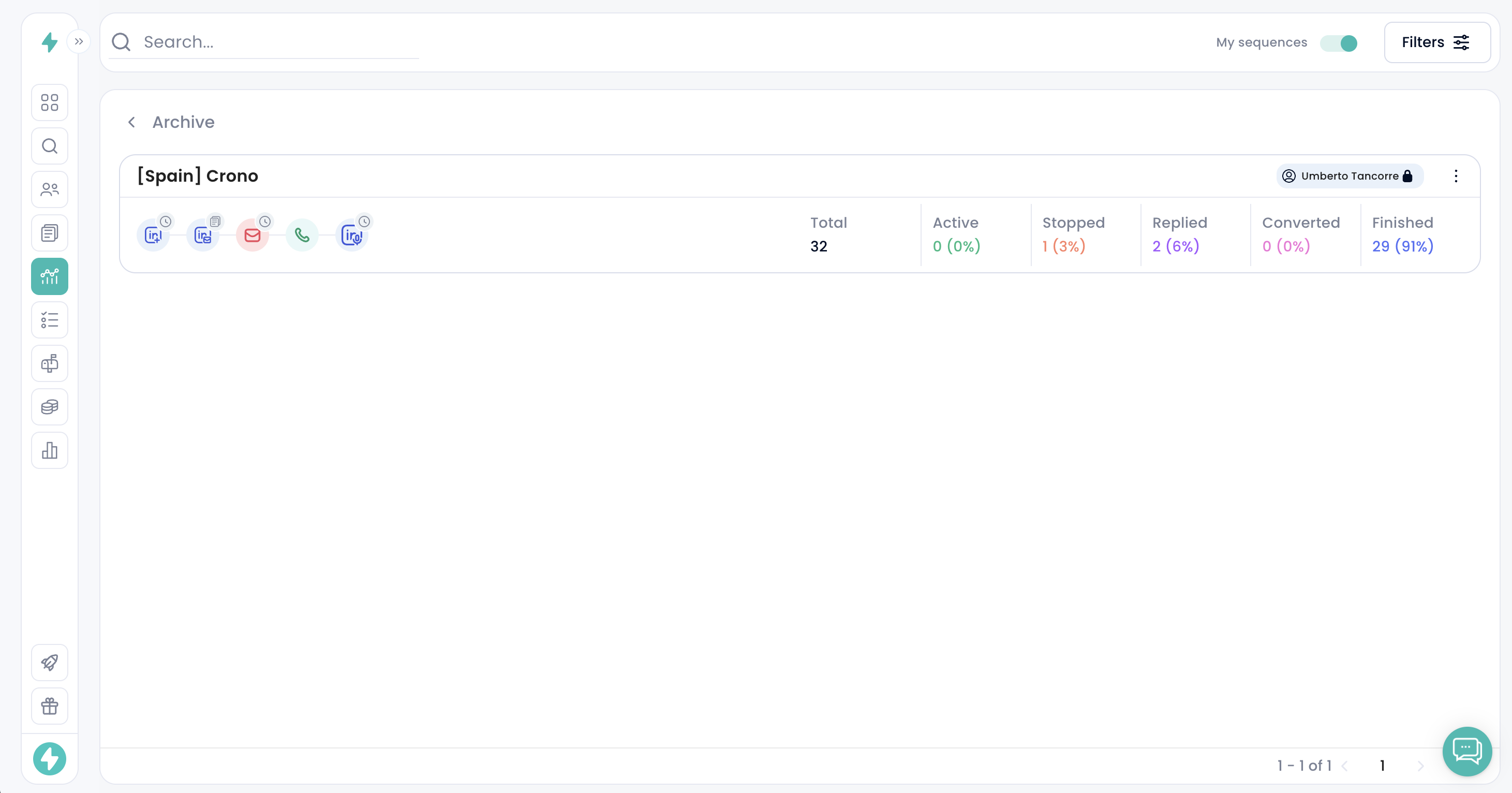
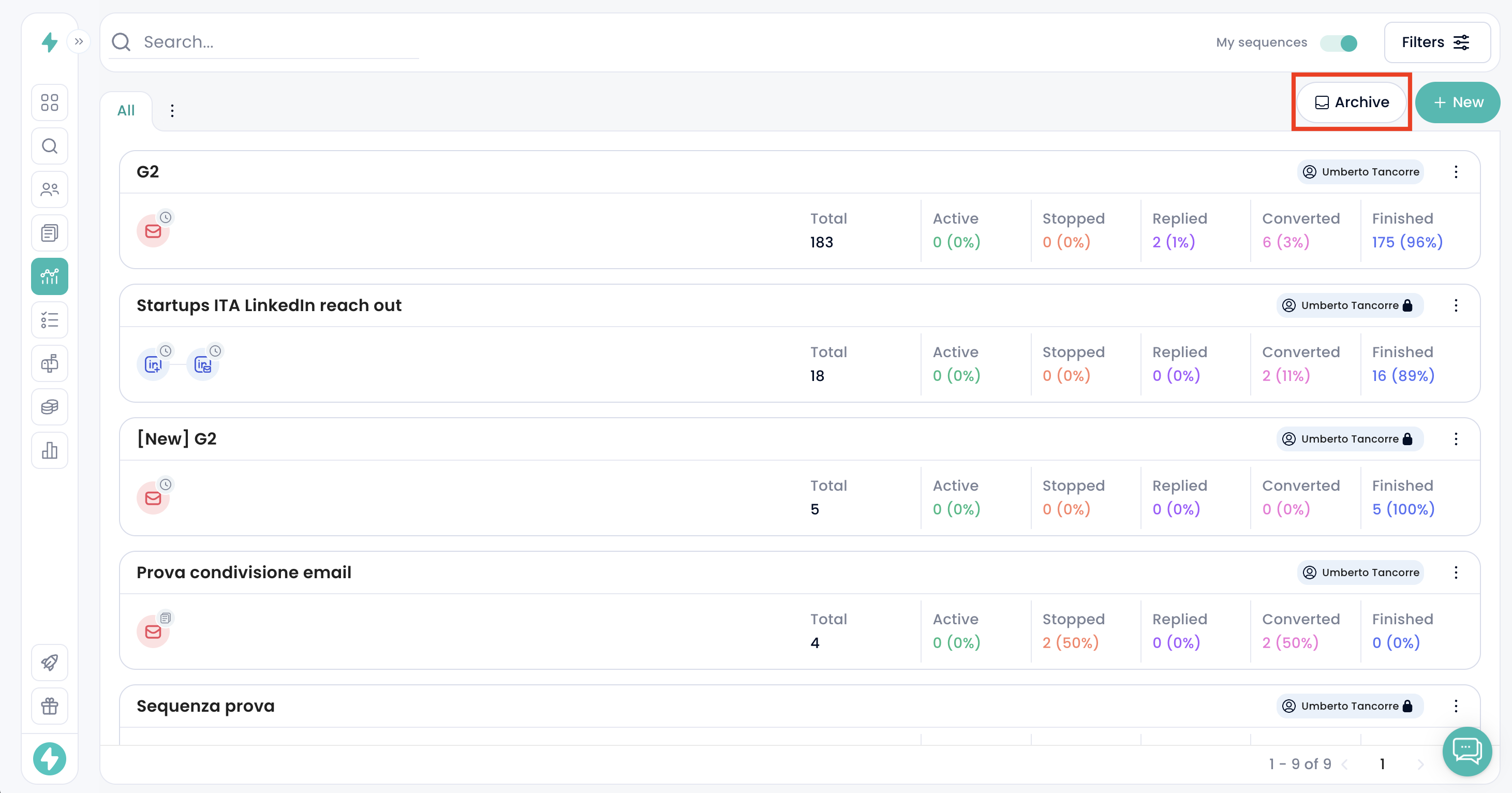
Access the Archived section from the top right button in Sequences.
How to restore a sequence
Open the Archived section
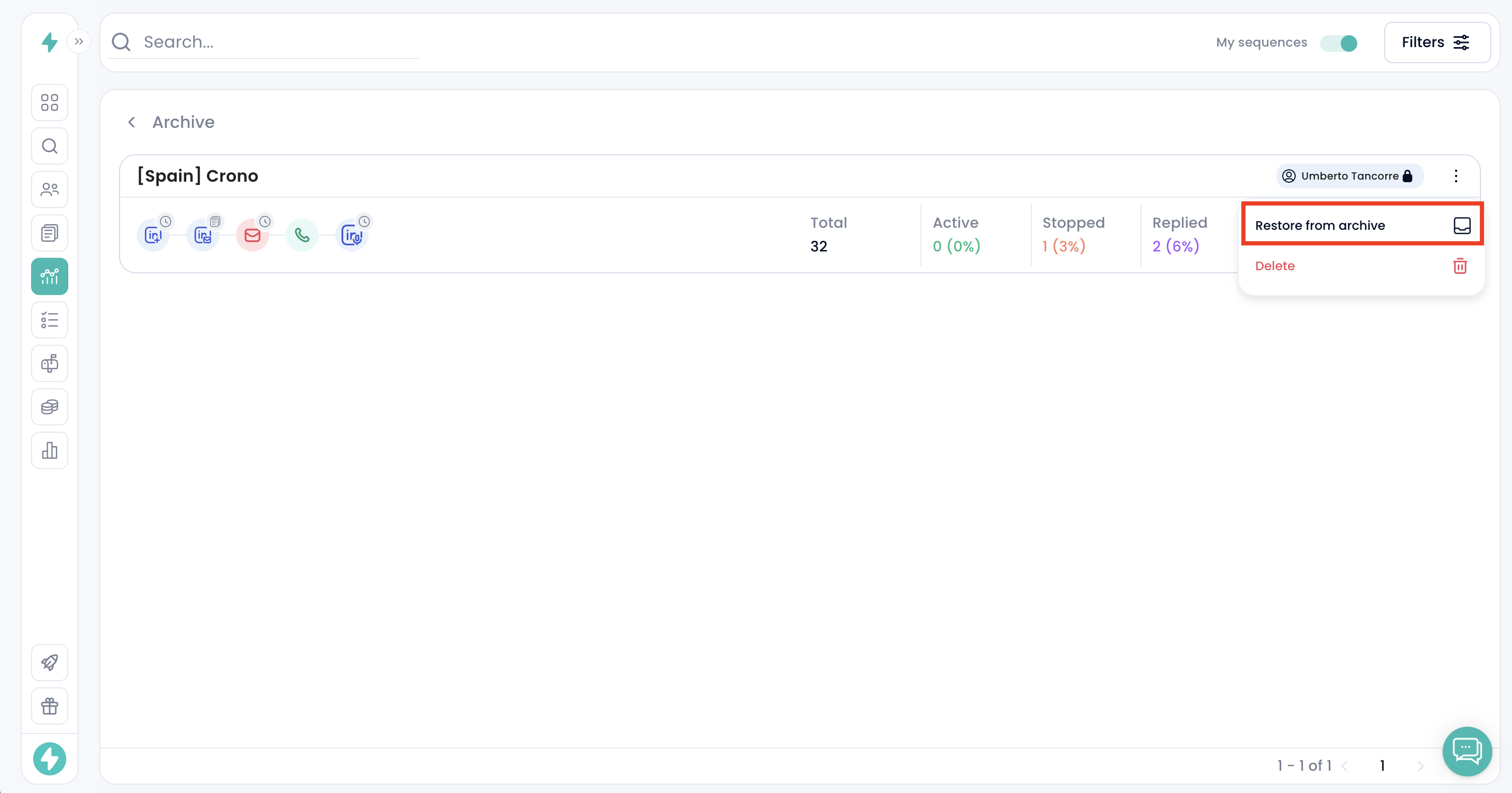
Click the 3 dots on the sequence
Select Restore
It will return to the active Sequences page
When to archive
Use archiving when a sequence is no longer needed in your active list but you may need to reuse, update, or reference it later.