Click on the installation link:
https://login.salesforce.com/packaging/installPackage.apexp?p0=04td2000000OnZ3AAK
Select Install for All Users and check “I acknowledge”.
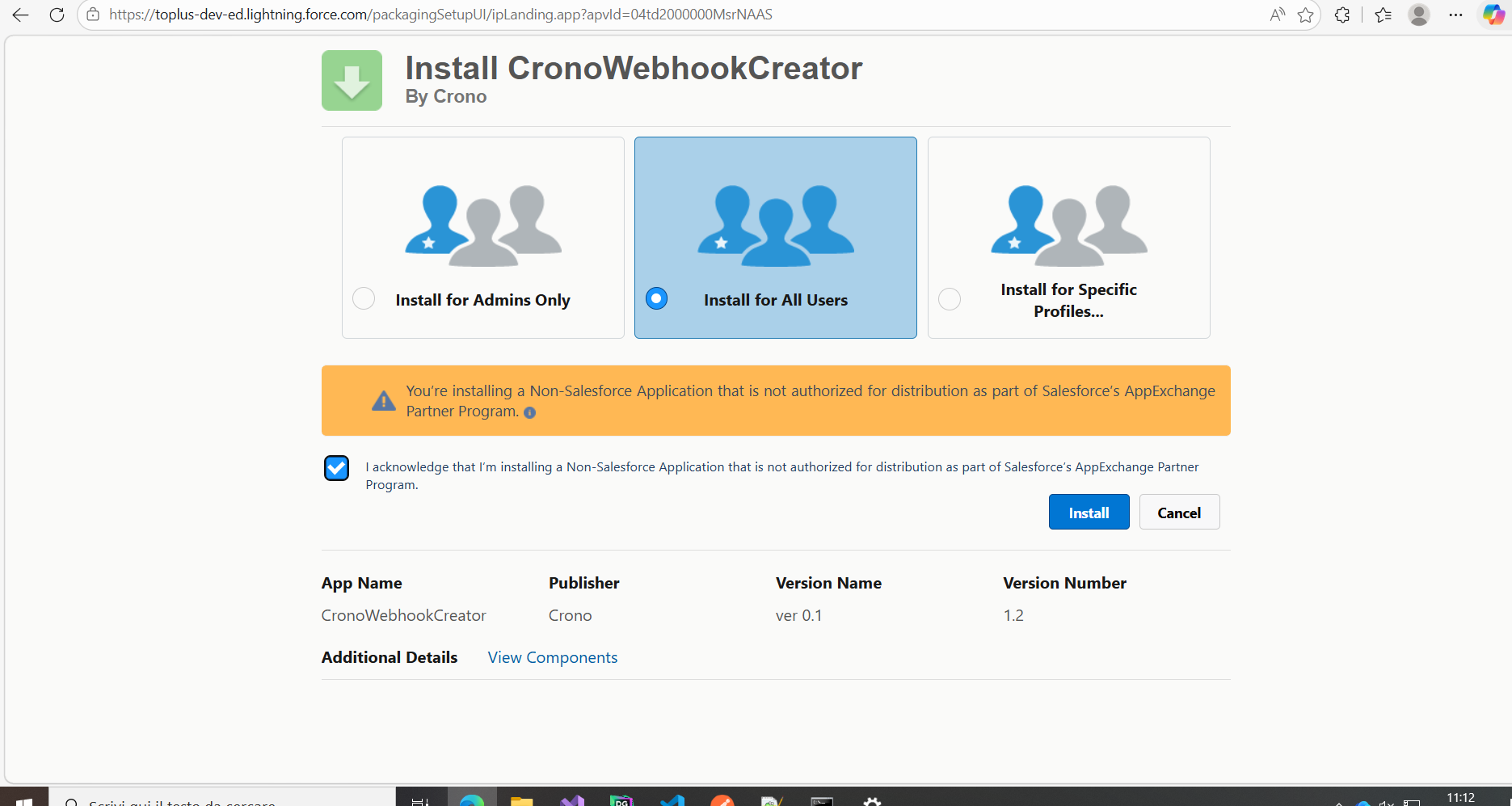
Click Install.
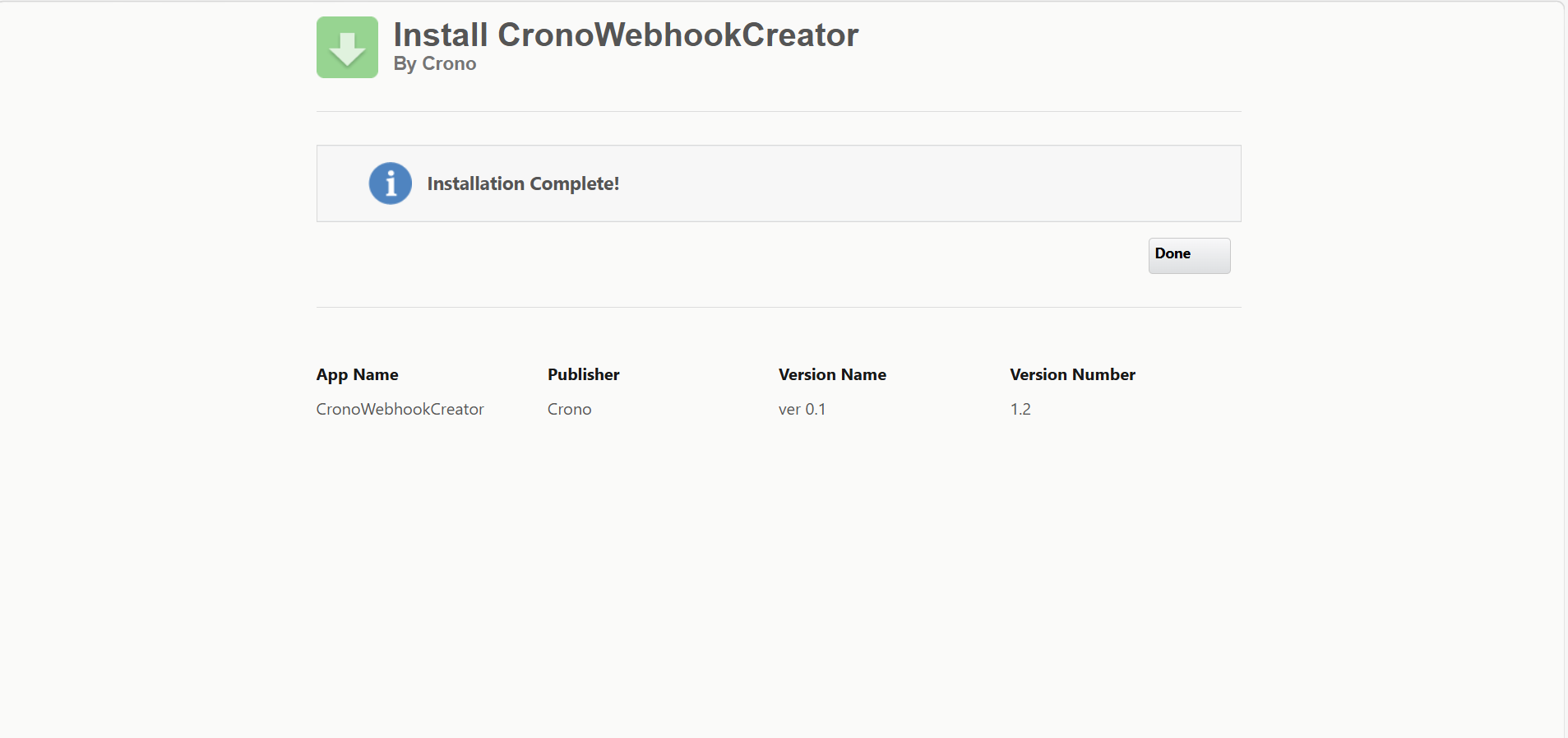
Wait 1–2 minutes for the installation to complete, then click Done.
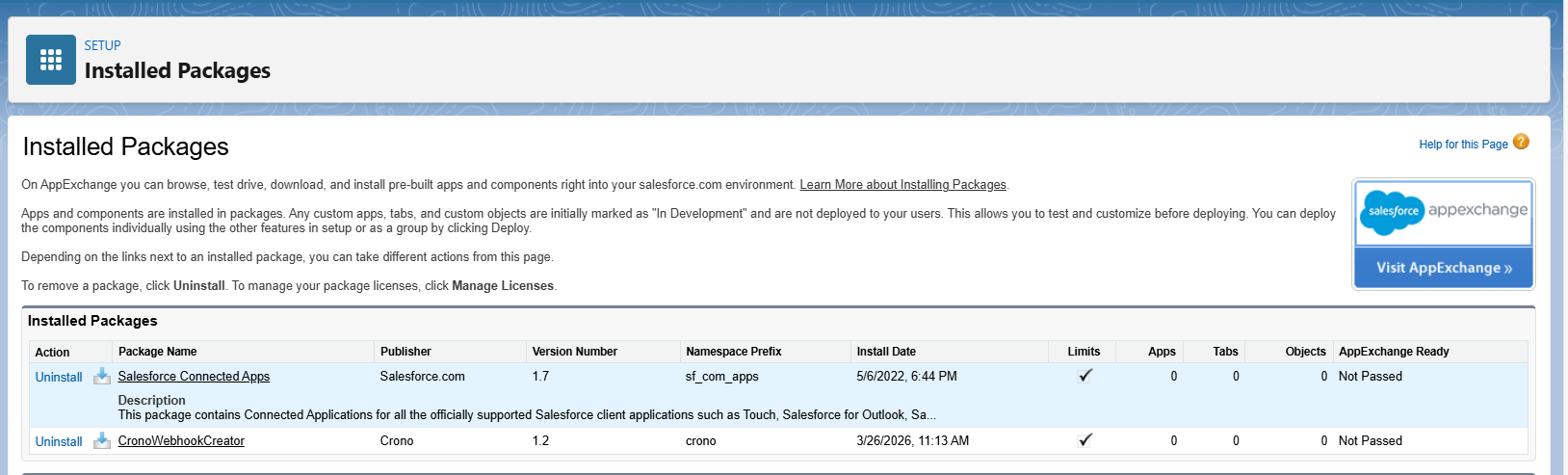
If the installation is successful, you will see the package in your Salesforce environment.
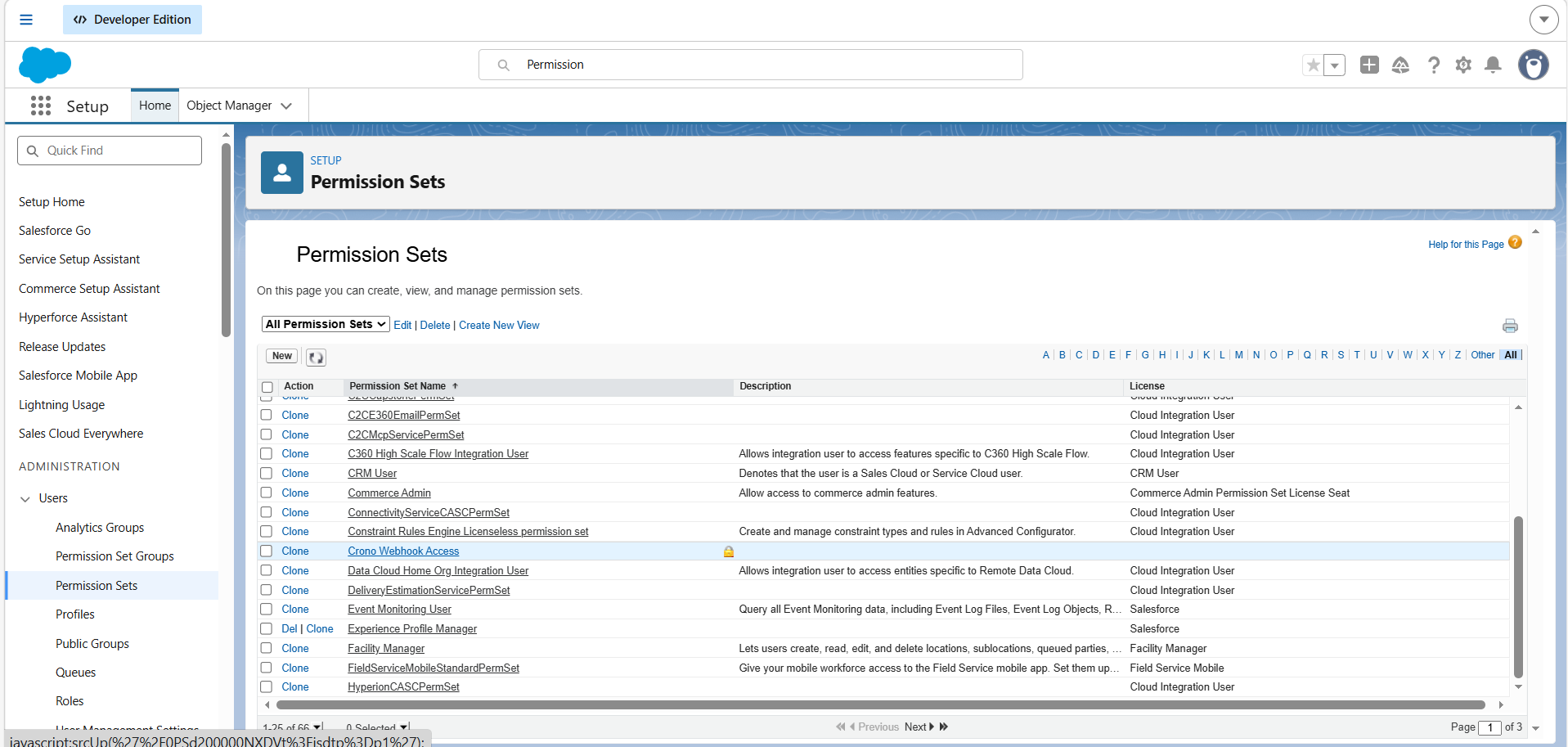
Go to Setup → Permission Sets.
Search for Crono Webhook Access.
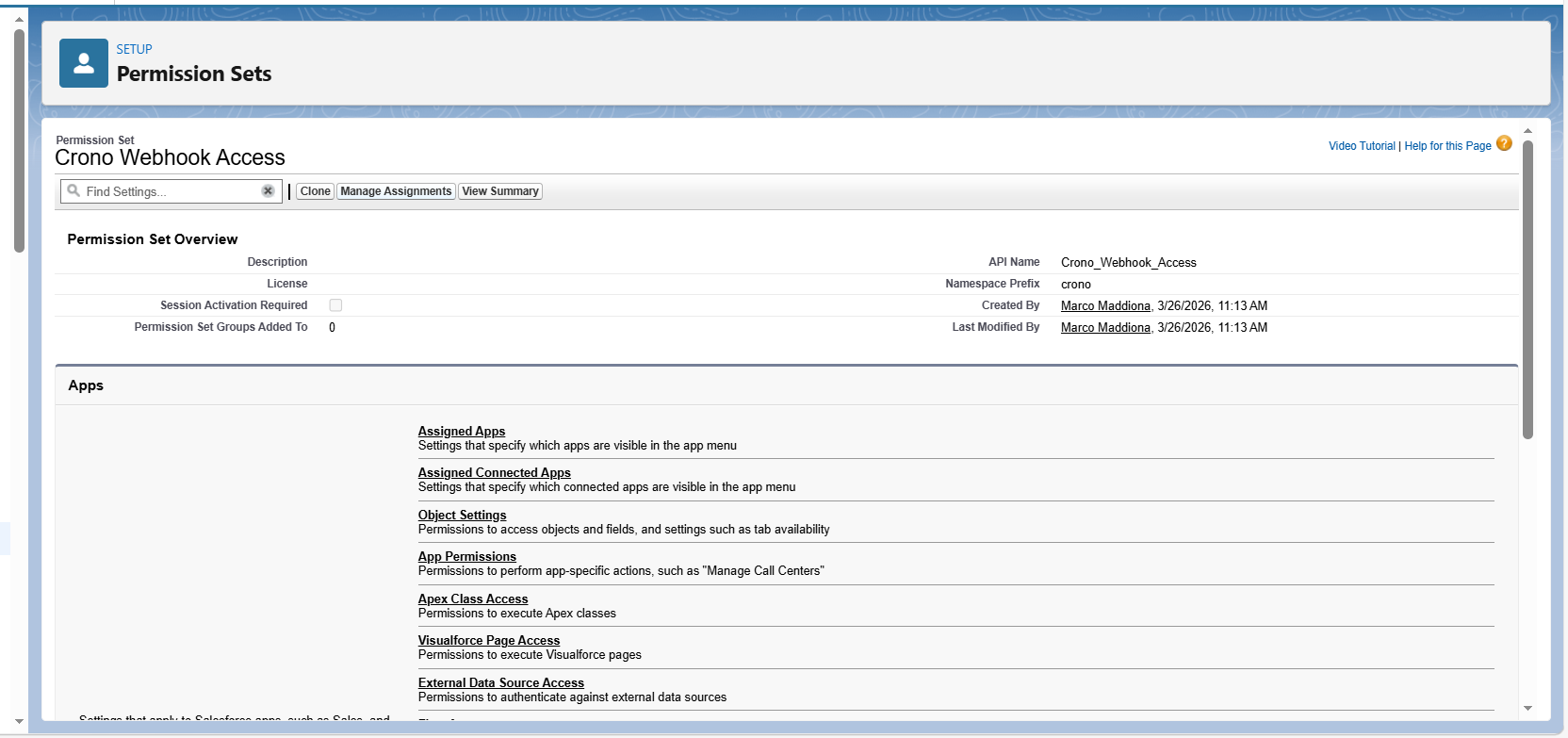
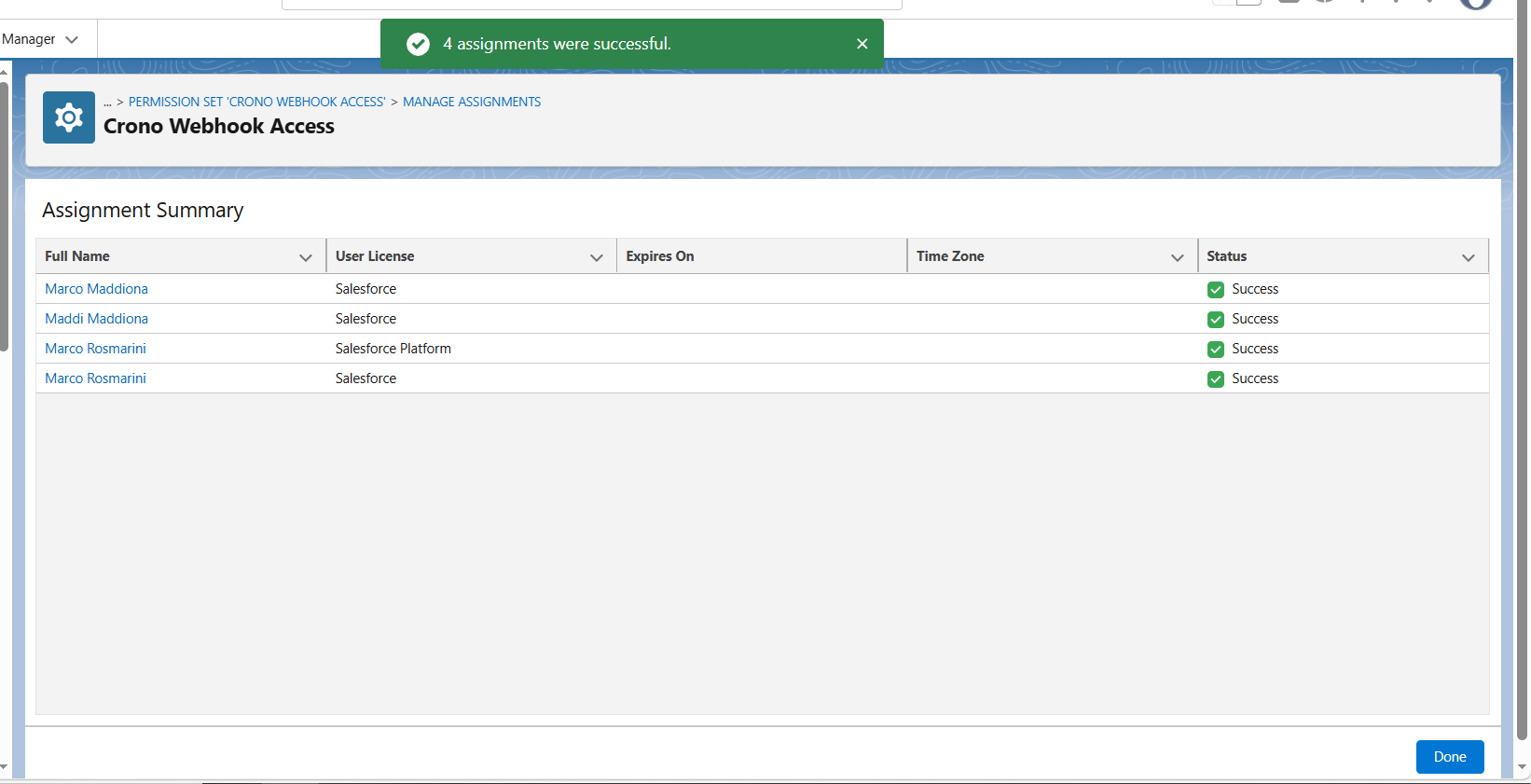
Click on Manage Assignments.
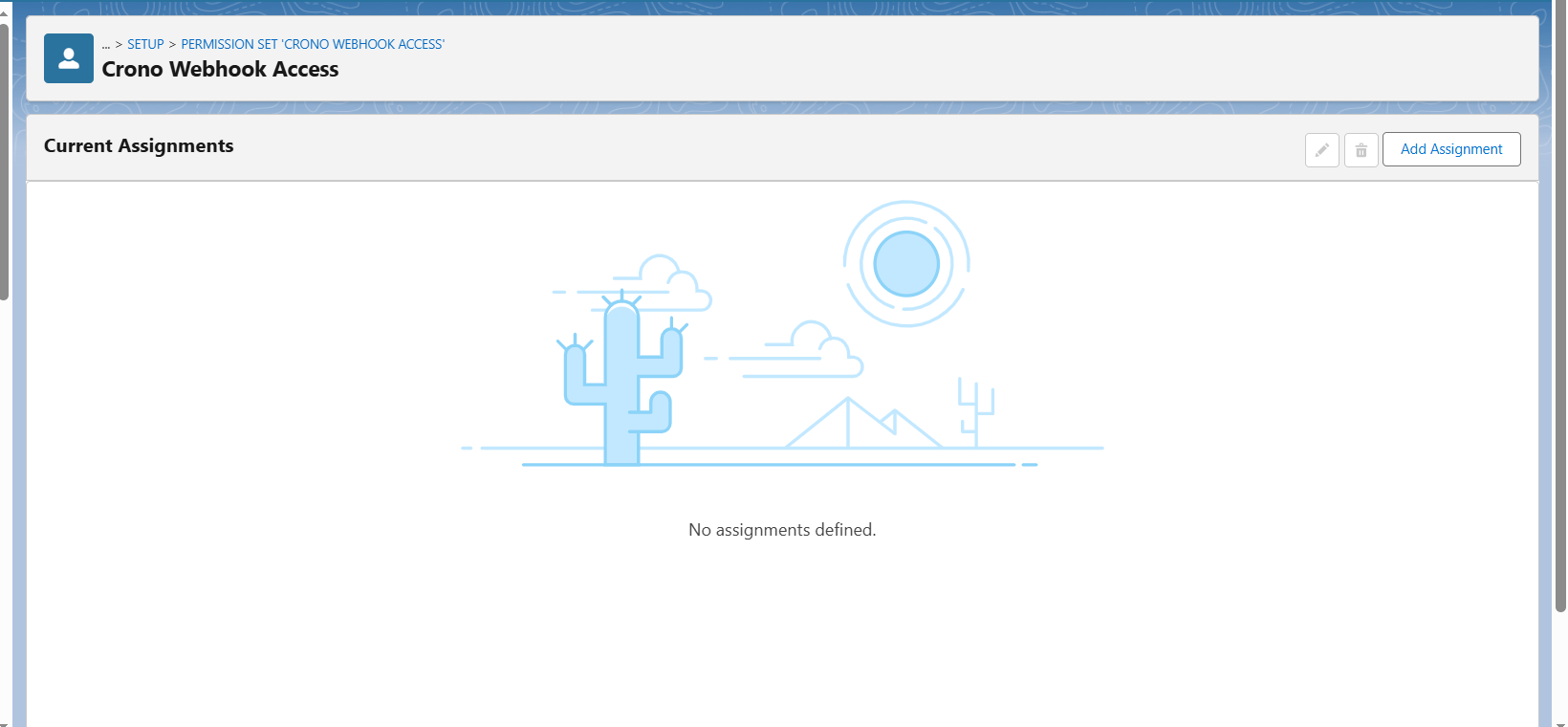
Click Add Assignments.
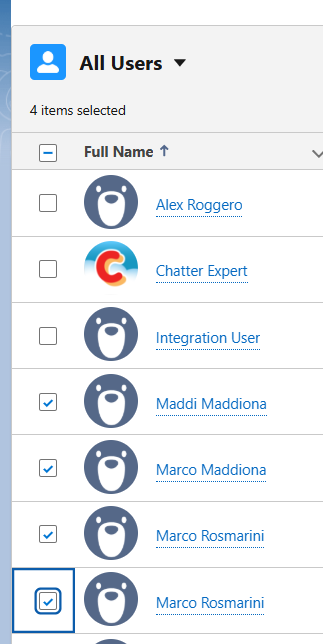
Select all active Salesforce users, then click Next → Done.
Once the assignment is completed, webhooks will be active.
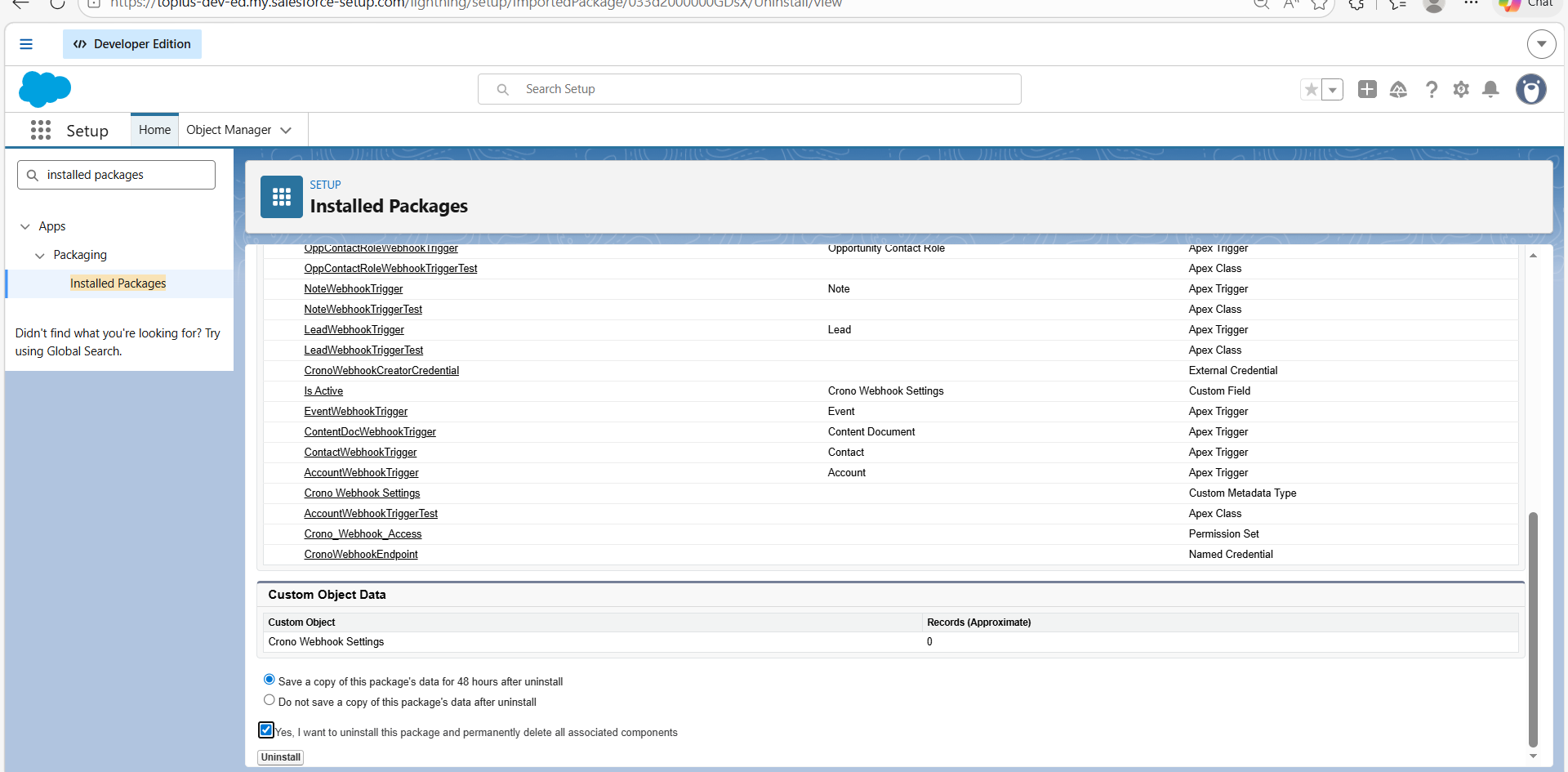
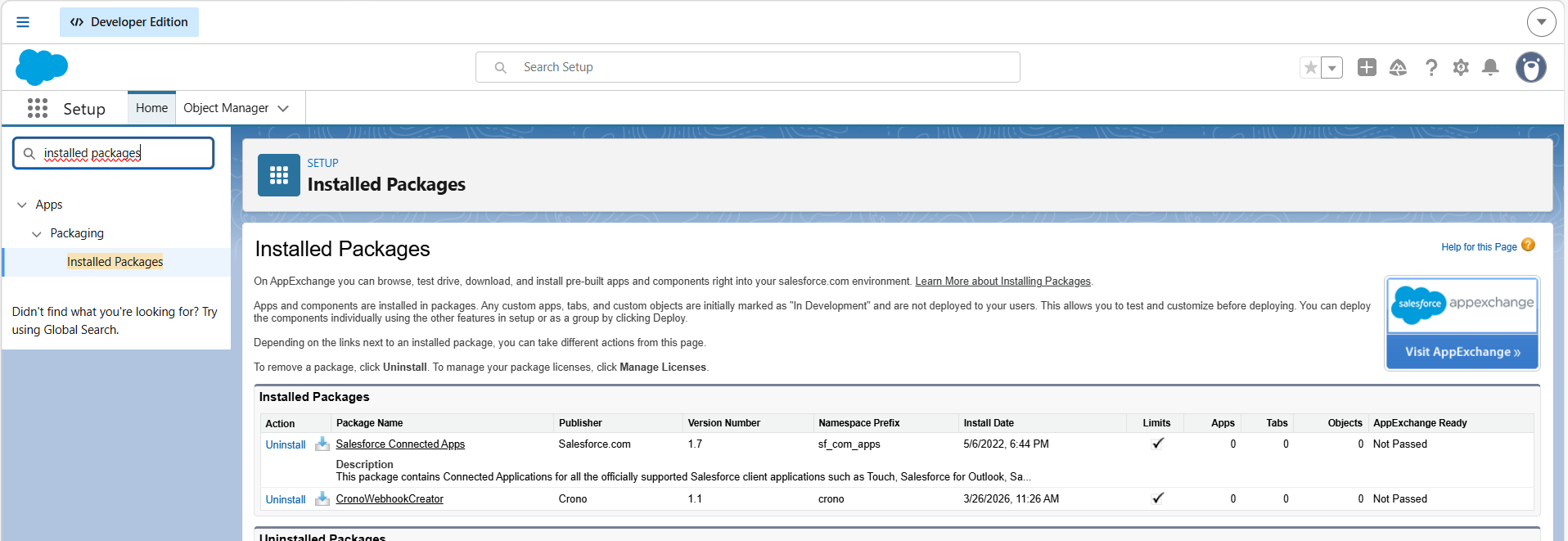
Go to Setup → Installed Packages.
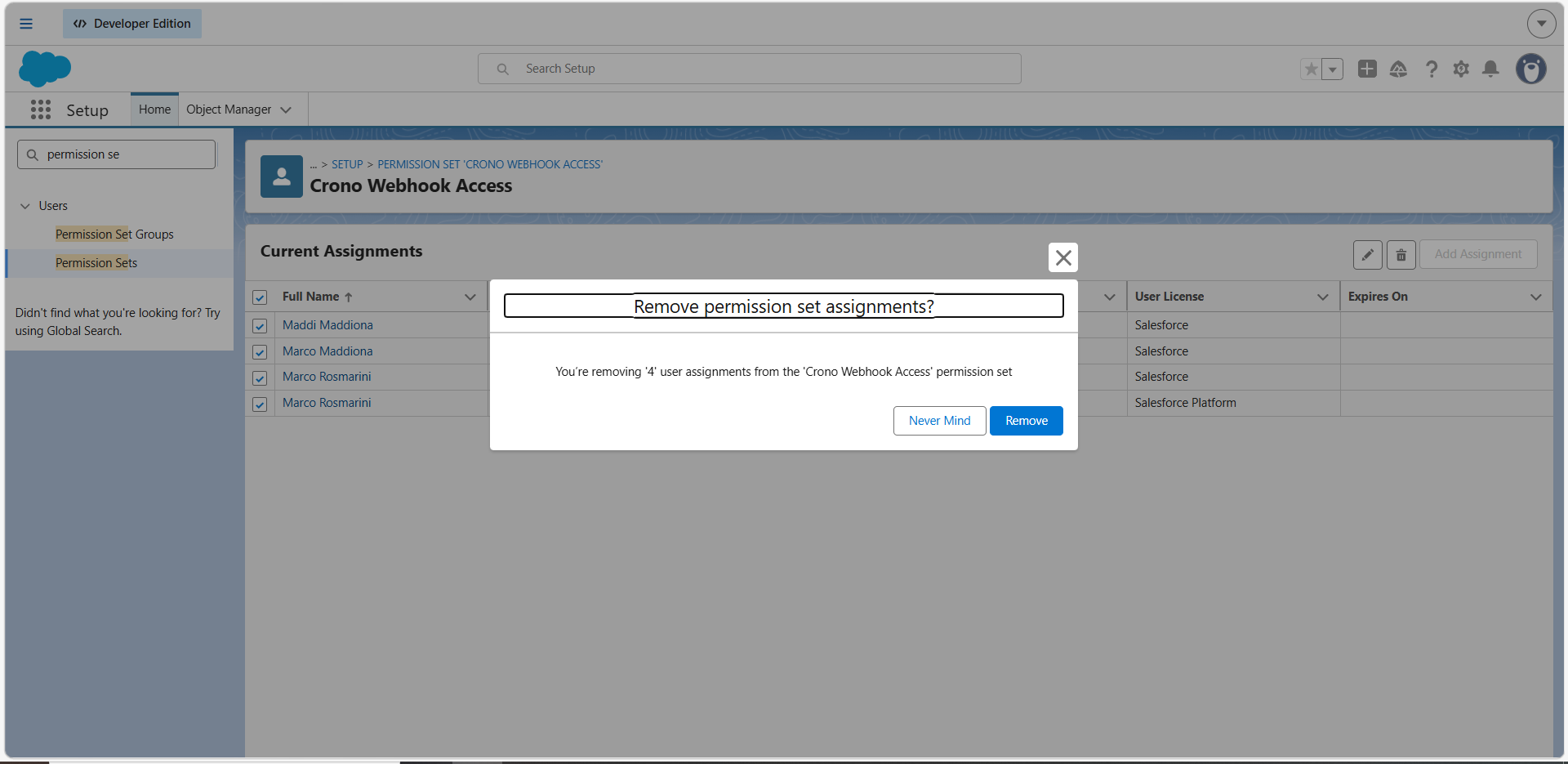
Remove user assignments from the Crono Webhook Access permission set.
Click Uninstall next to the package.