
A/B Testing allows you to compare multiple templates within the same step of a sequence to understand which one performs best.
This helps you quickly learn what messaging resonates with your prospects and optimize your outreach for higher reply rates.
Adding templates for A/B testing
When you add a template to a step inside your sequence, an option will appear to Add more templates for A/B testing.
You can include two, three, or more templates in the same step.
All selected templates will run simultaneously as part of the A/B test.
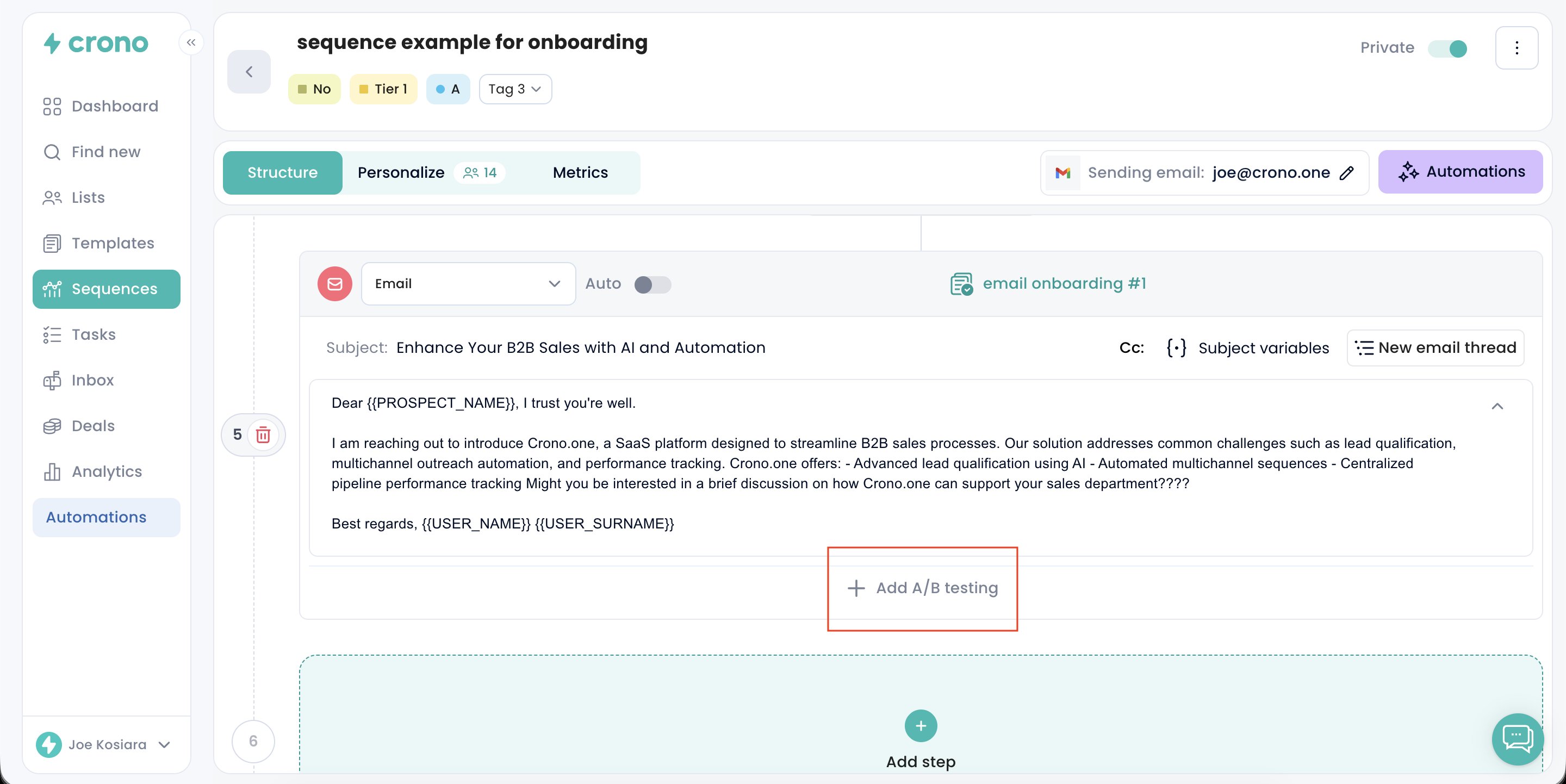
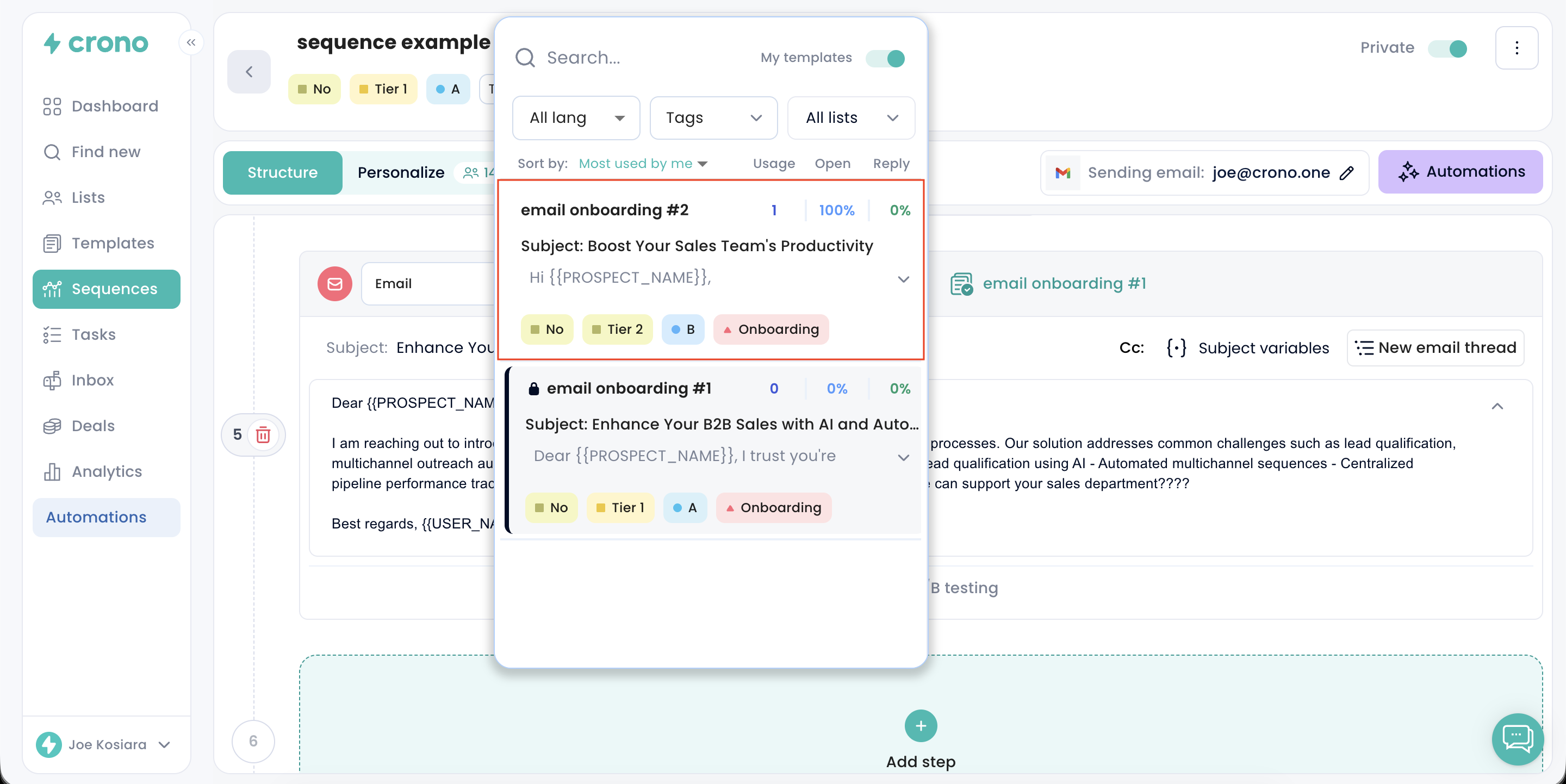
You can also select the same template across different variants. In this case, Crono will attach it as a single-use copy for that specific step.
This means you can edit the copy directly from the sequence without changing the original saved template.
After editing it, you can choose whether to:
Save it as a new template
Use it only for that step
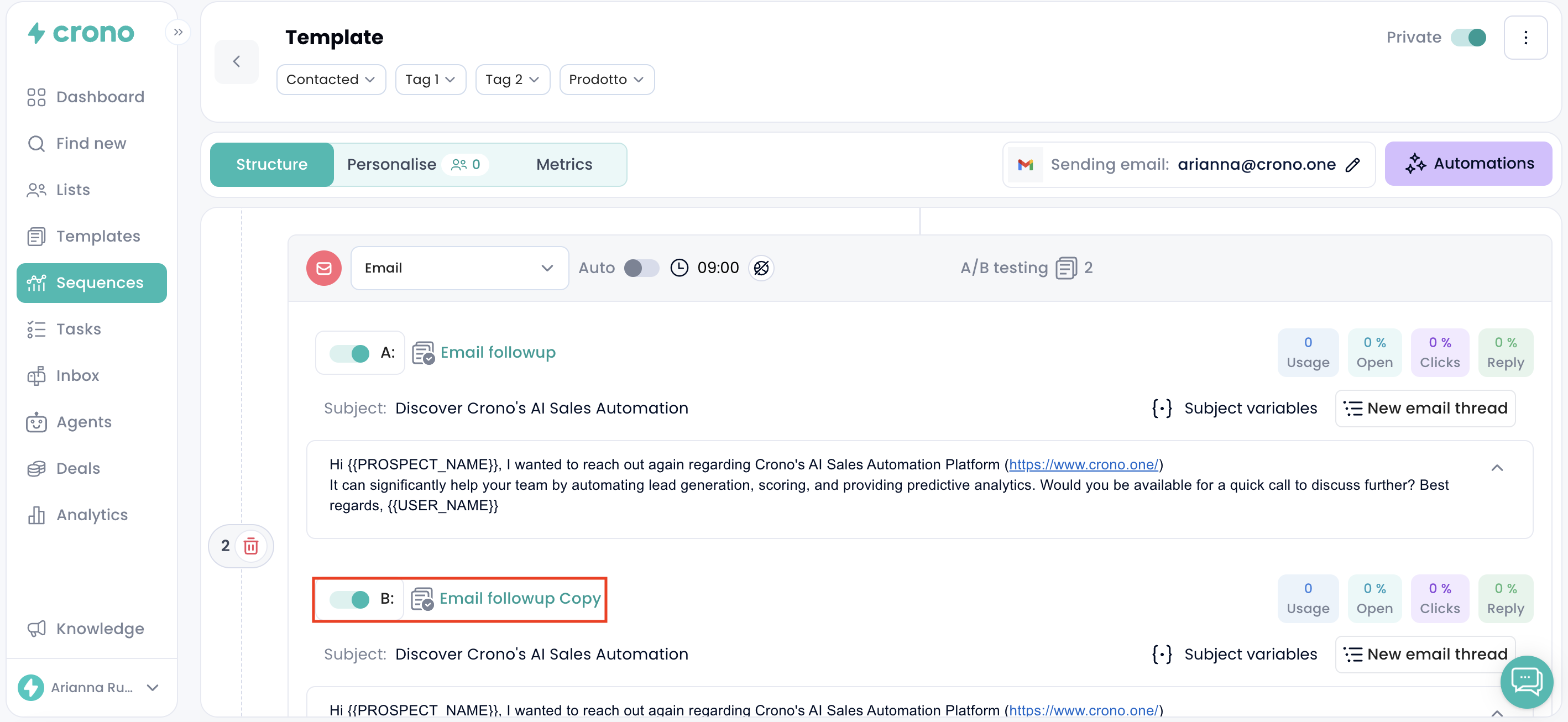
This is useful if you want to quickly test small variations of the same message without creating new templates manually before building the sequence.
How distribution works
Crono automatically distributes the templates evenly and randomly across the contacts entering that step.
Example: If you add 100 contacts into a sequence with 4 templates (A, B, C, D) in an A/B test step:
Template A is sent to 25 contacts
Template B is sent to 25 contacts
Template C is sent to 25 contacts
Template D is sent to 25 contacts
This ensures a balanced comparison between all variations.
Tracking performance
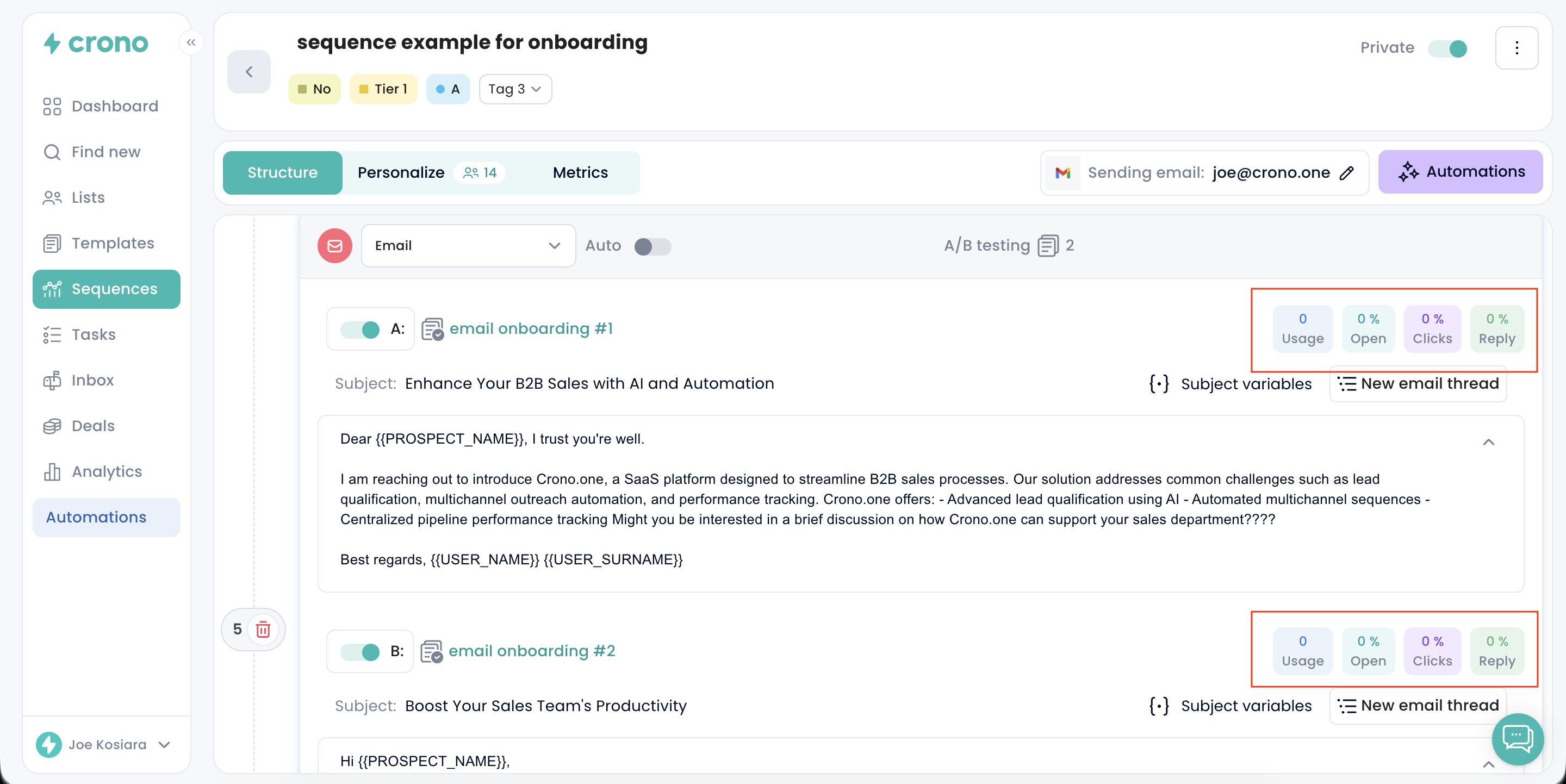
Over time, Crono will show performance metrics for each template so you can identify the winner. Metrics differ by channel:
Email: usage, open rate, click rate and reply rate
LinkedIn messages and invitations: usage and reply rate
This allows you to quickly spot top-performing messaging and eliminate templates that don’t convert.
Optimizing your A/B test
Once results become clear, you can:
Pause the underperforming templates
Remove them permanently
Keep only the winning template active
This helps you continuously refine your sequence with data-driven decisions.