A sequence can run on a timezone of its own, so its steps are scheduled at the hour you intended, regardless of where you or your contacts are based.
This is useful when you want a sequence to follow a specific market or region, or when you want each contact to receive tasks based on their own local time.
Open the sequence, click the ⋯ menu inside a sequence and choose Sequence timezone.
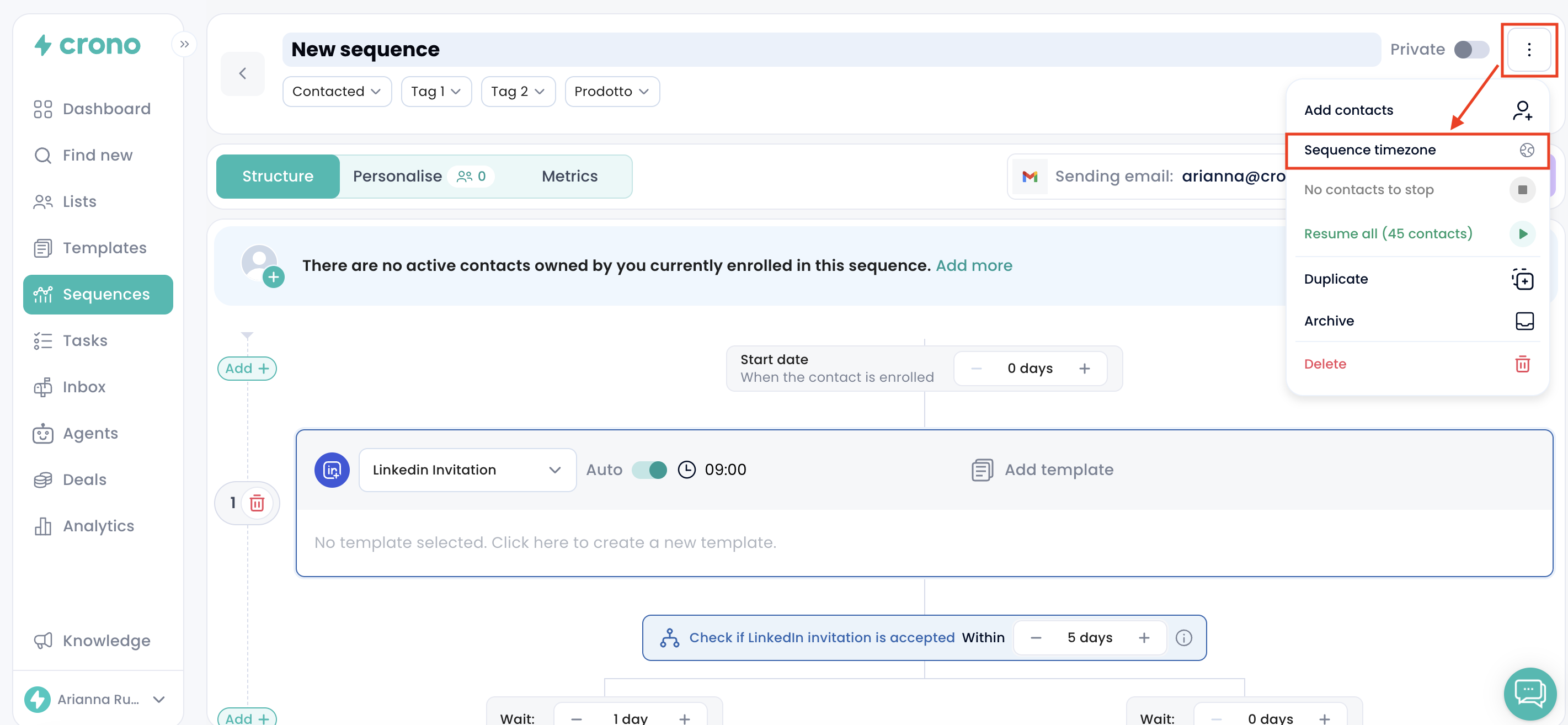
The setting belongs to the sequence, so it applies to every step and to every contact enrolled in it. It's available on any sequence that isn't archived.
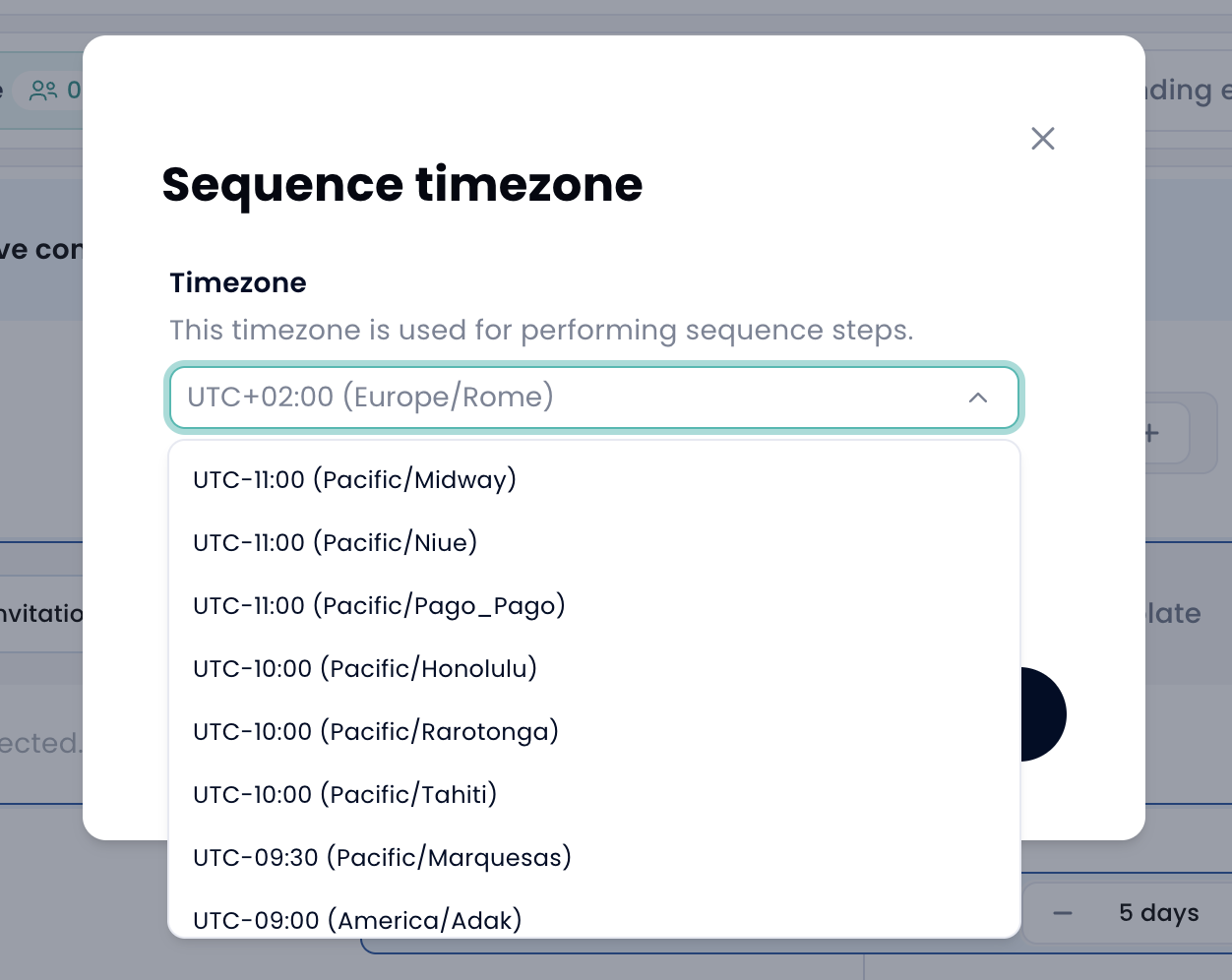
From the timezone picker, select the timezone you want the sequence to follow.
The list is searchable, so you can quickly find the country, city, or timezone you need.
Once selected, that timezone becomes the clock used by the sequence. For example, if a step is scheduled for 9:00 AM, it will be executed at 9:00 AM in the selected sequence timezone, not at 9:00 AM in your own timezone.
The field shows your own timezone as a placeholder, but it starts empty.
If you leave it empty, the sequence will behave as usual and steps will follow your timezone.
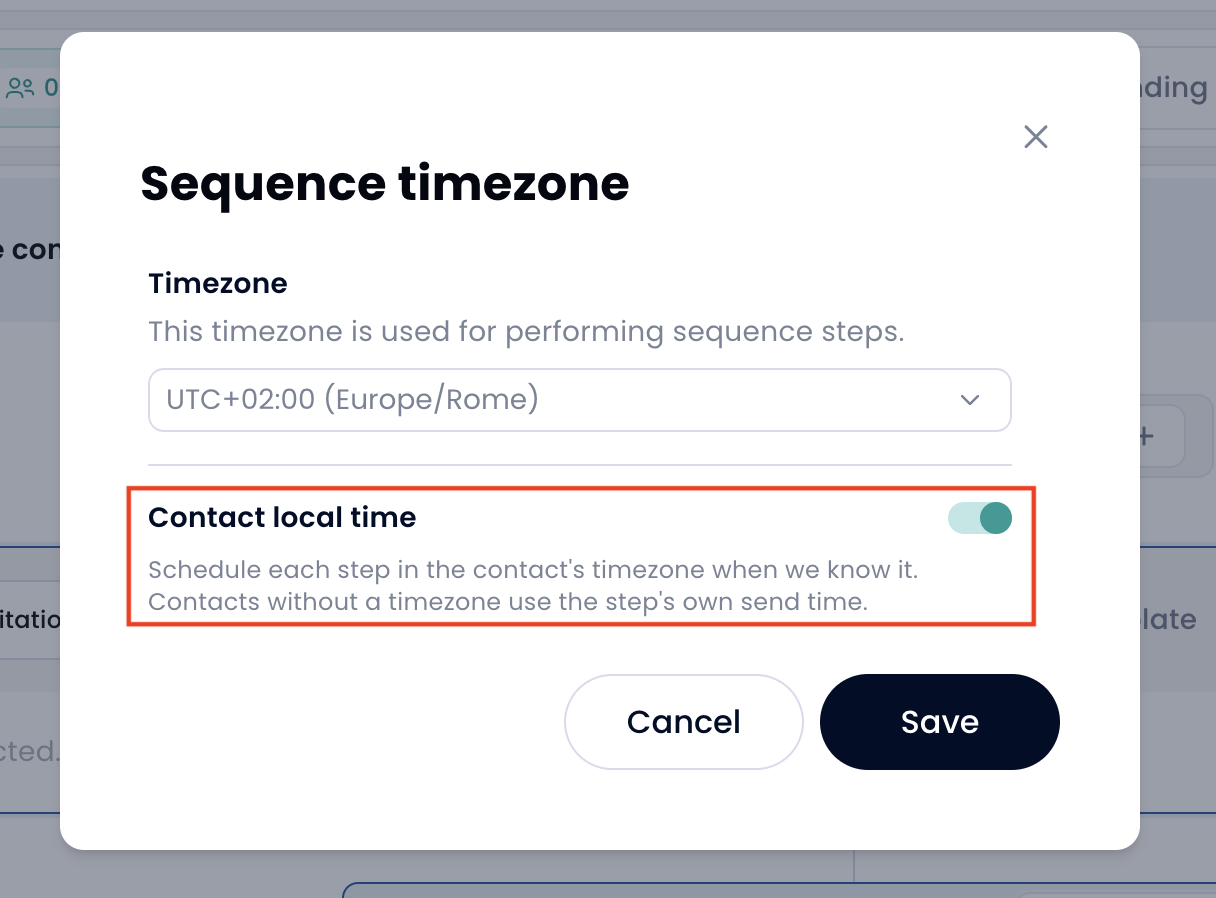
Under the timezone picker, you can also enable the Contact local time option.
This option is turned off by default.
When enabled, Crono schedules each step based on the contact’s own timezone. This means that if a step is set for 9:00 AM, Crono will try to execute it when it is 9:00 AM for that specific contact.
The contact’s timezone is shown in the contact card, in the bottom-right section.
If Crono does not know a contact’s timezone, the fallback depends on your sequence settings:
If a sequence timezone is selected, the contact will follow the sequence timezone.
If no sequence timezone is selected, the step will keep its original send time based on your timezone.
Let’s say you are based in Italy and your email step is scheduled for 11:00 AM.
Here is what happens depending on your settings:
If no timezone is selected, the email is sent at 11:00 AM in your timezone.
If the sequence timezone is set to Buenos Aires, the email is sent at 11:00 AM in Buenos Aires, which may appear as 4:00 PM in Italy.
If Contact local time is enabled, a contact based in Buenos Aires receives the email at 11:00 AM in their local time.
If Contact local time is enabled but a contact has no timezone saved, Crono will use the sequence timezone if one is selected. Otherwise, it will keep the original send time.
