
Two things decide whether you can use the Crono External API: your workspace's plan, and your role.
Plan
The Crono External API is available on Ultra and Enterprise.
If you are on another plan and need API access, get in touch — it can be enabled for an individual workspace on request, so an upgrade is not always necessary.
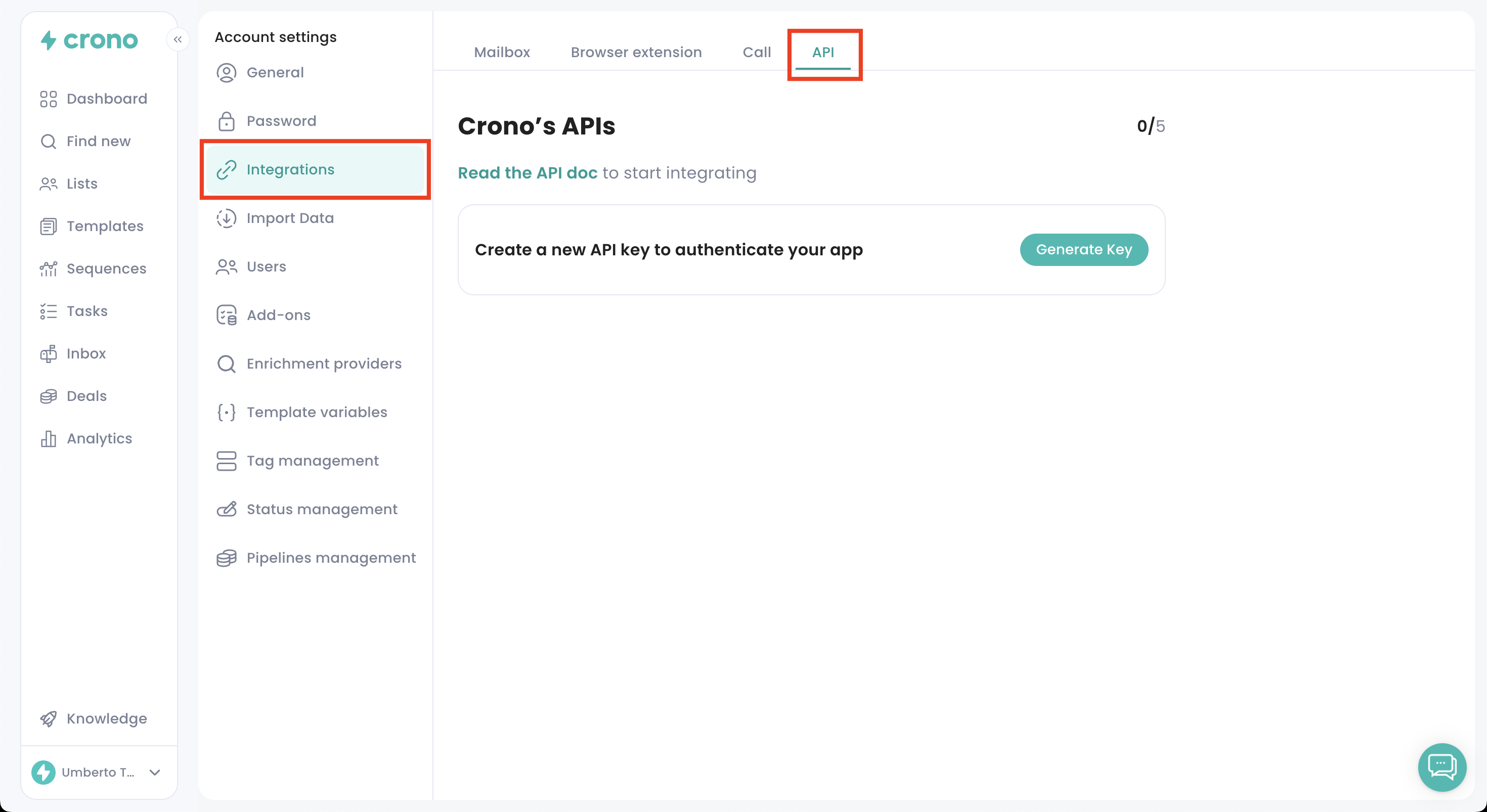
Until it is enabled, the API section does not appear in Account Settings and no keys can be generated or used.
Role
Only users with the Manager role can see or manage API keys. A Manager can:
Open the API section
Generate new keys
View and copy existing keys
Delete keys
Hold up to 5 active keys at a time
Anyone without the Manager role cannot see the API settings at all — the section simply is not there for them.
So if your workspace has API access but you cannot find the section, check your own role first.
Where to find it
With both conditions met, the API section lives under Account Settings → Integrations → Connections.
To create your keys, see How to generate API keys.